

A moodboard is the most precise way to set a visual direction with Krea 2. Moodboards are groups of images that share an overall creative direction — palette, texture, style, mood, or composition. You build one in the Krea webapp, then reference it from the API.Documentation Index
Fetch the complete documentation index at: https://docs.krea.ai/llms.txt
Use this file to discover all available pages before exploring further.
Examples
Each example shows the moodboard on the left and the generated output on the right. Click any moodboard cover to open it in Krea.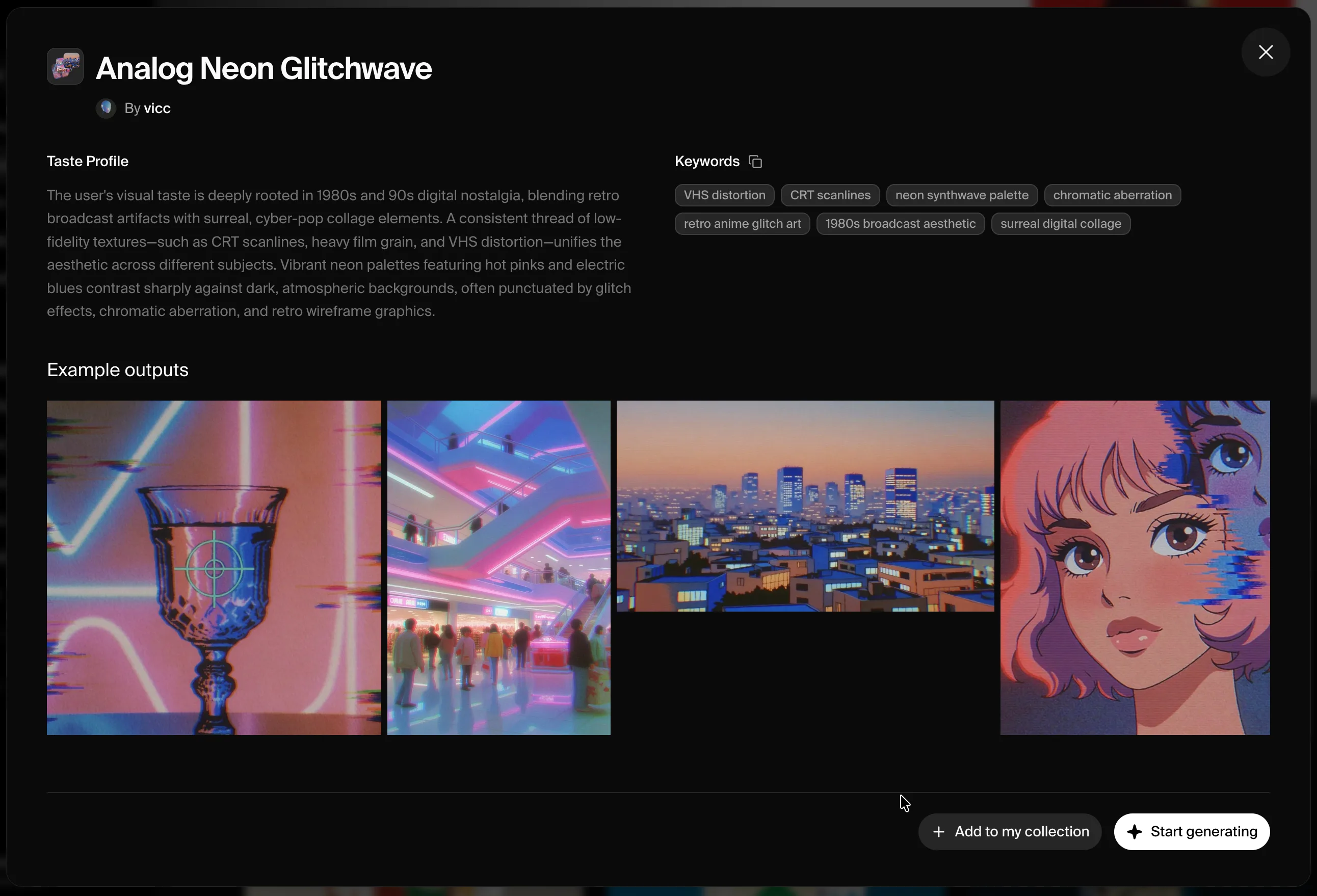
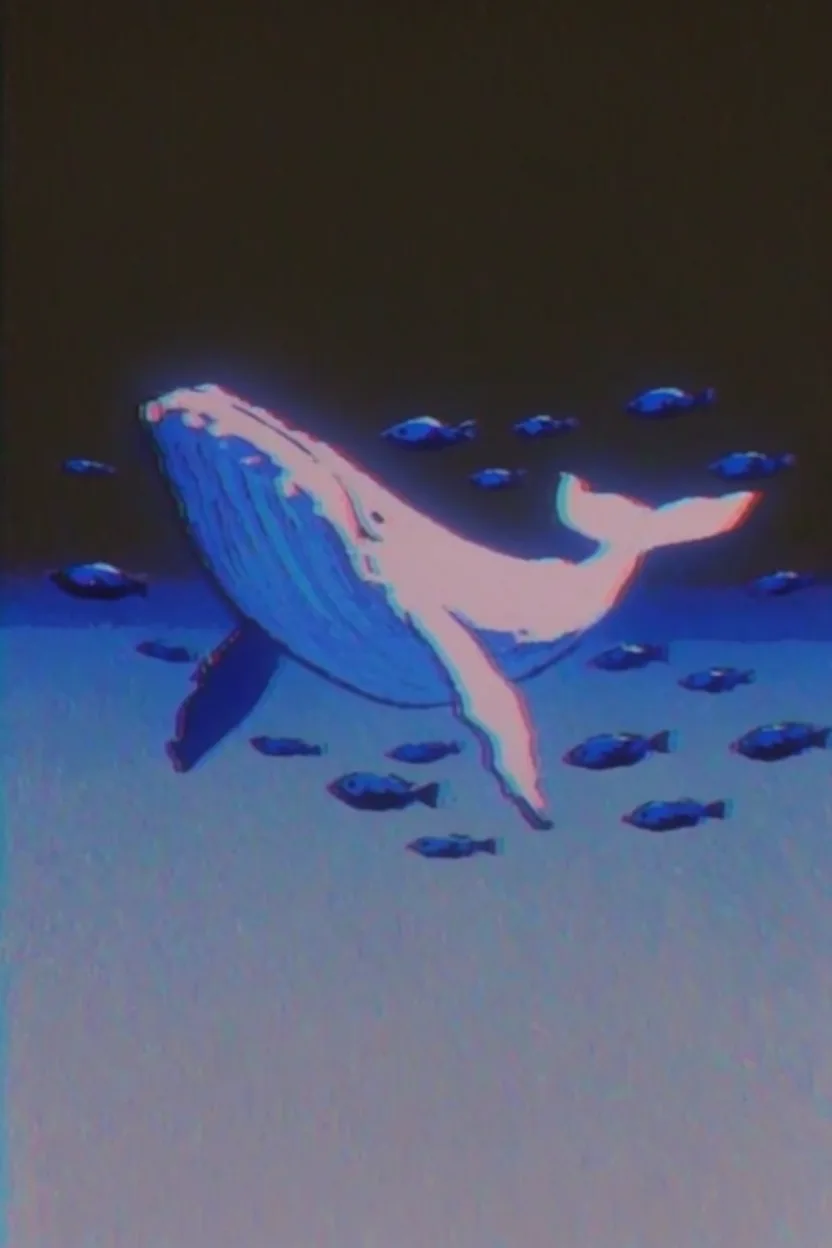
Prompt: a flying whale with small fish swimming around her in the air
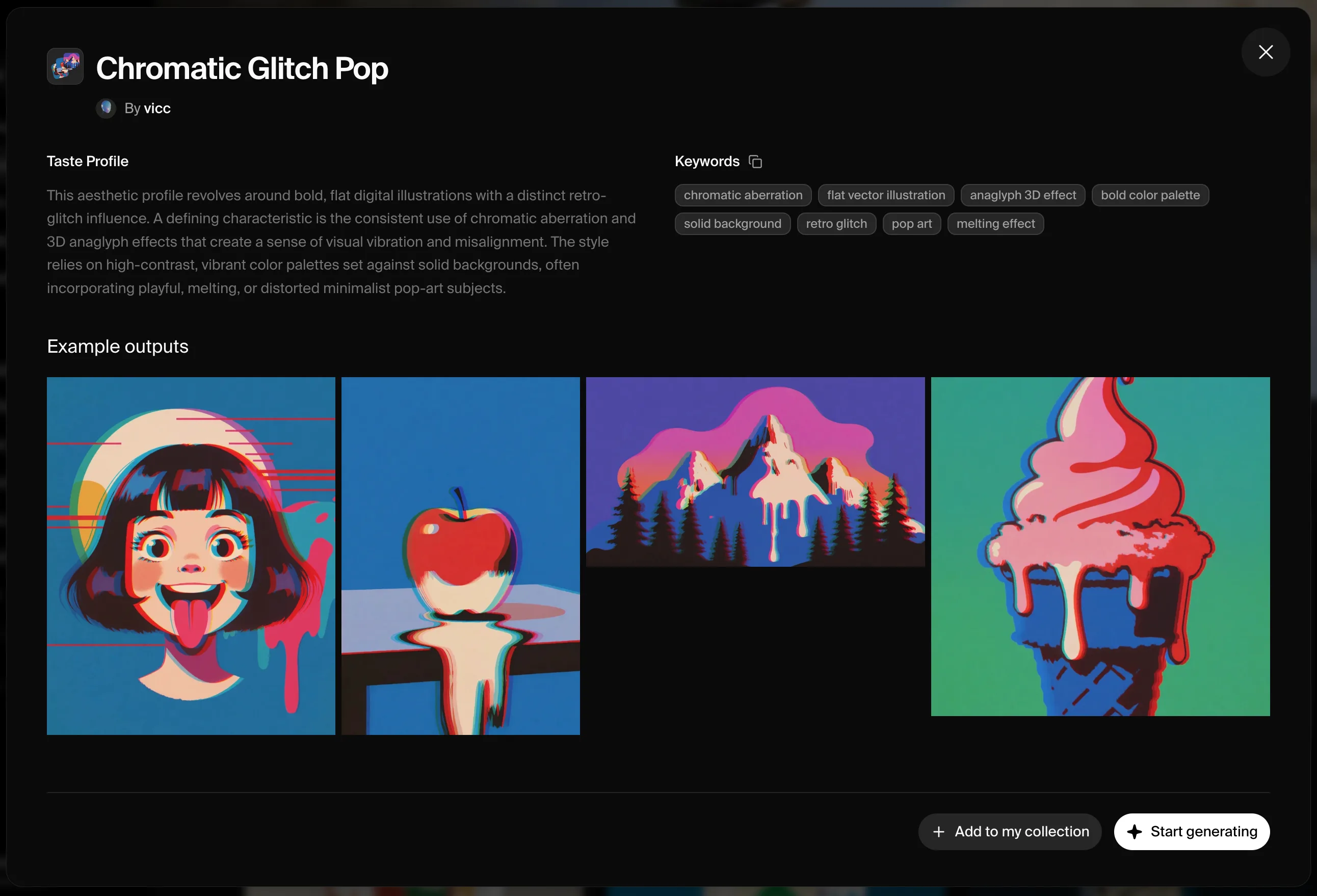
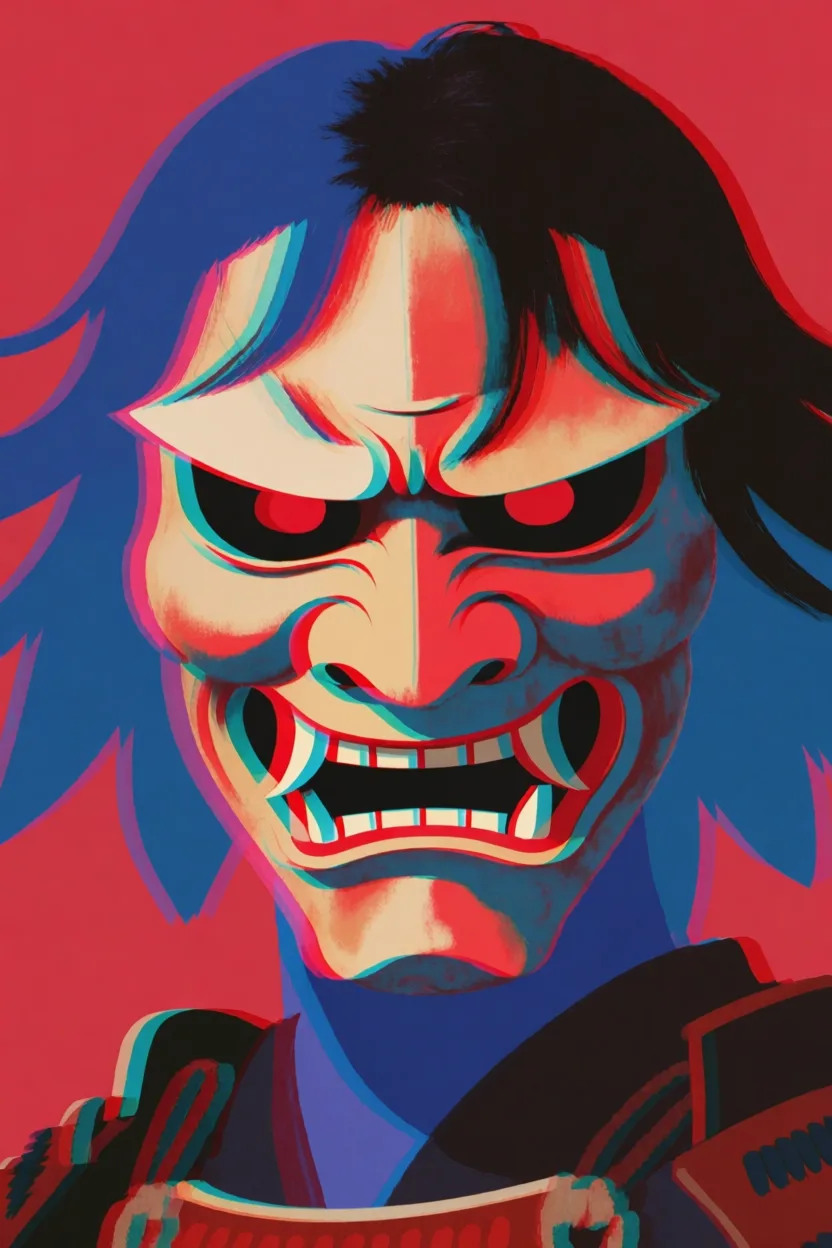
Prompt: a samurai mask
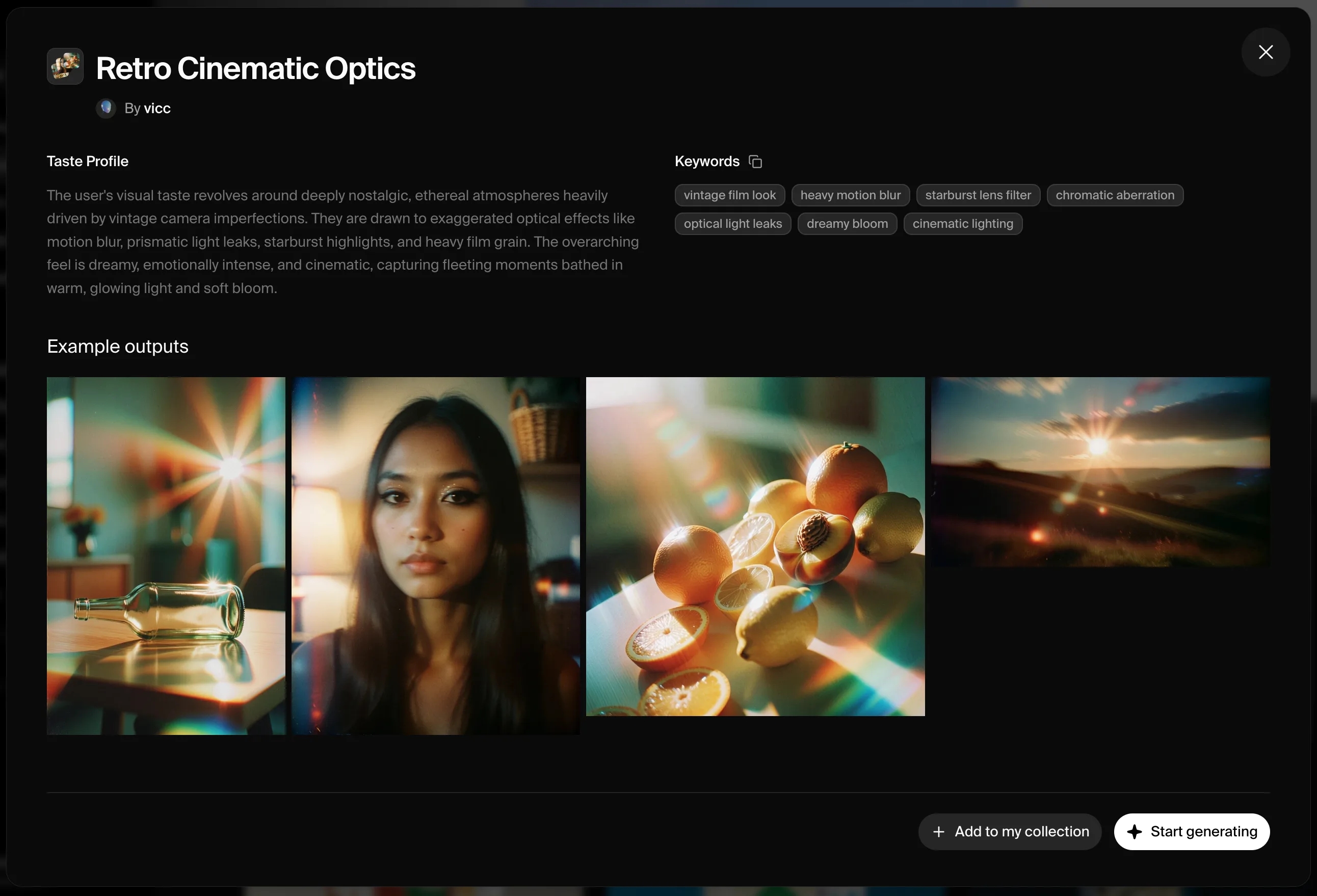
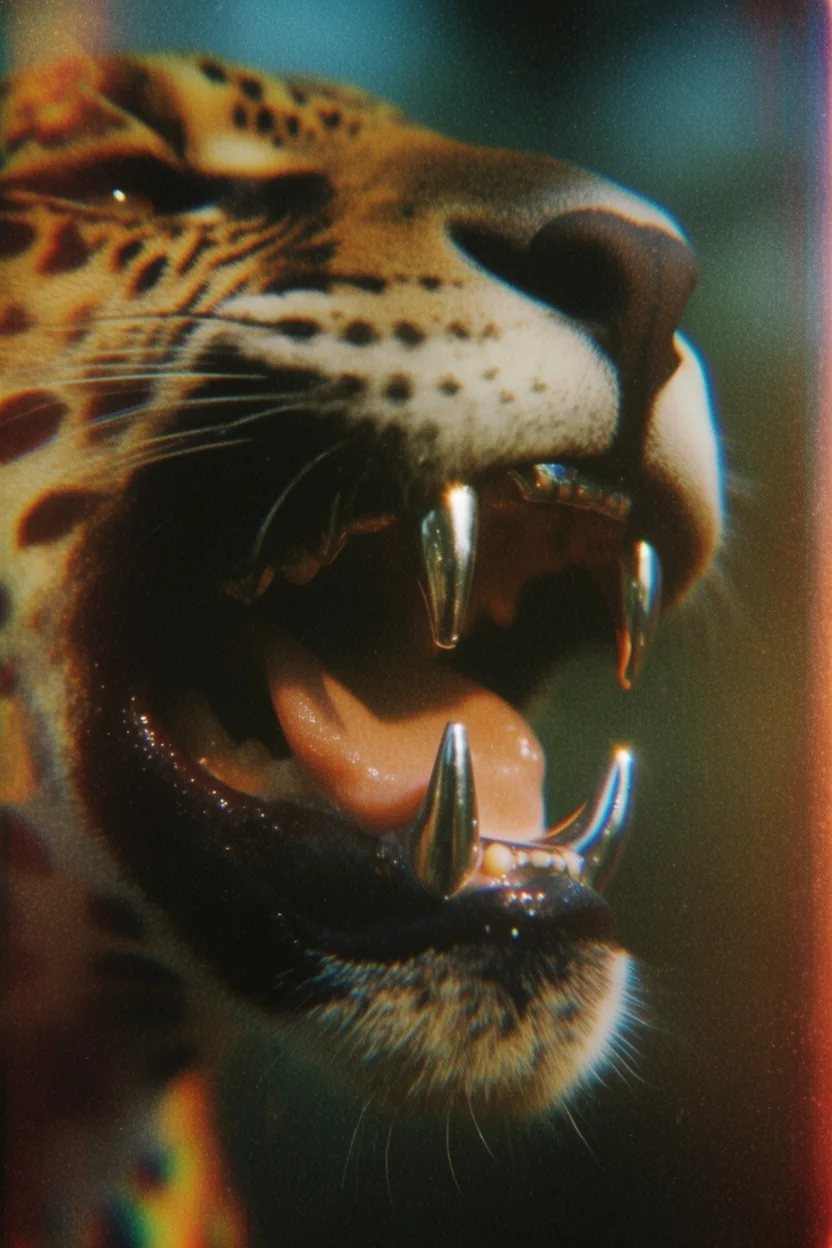
Prompt: extreme close-up of a jaguar’s mouth with chromed teeth, side view
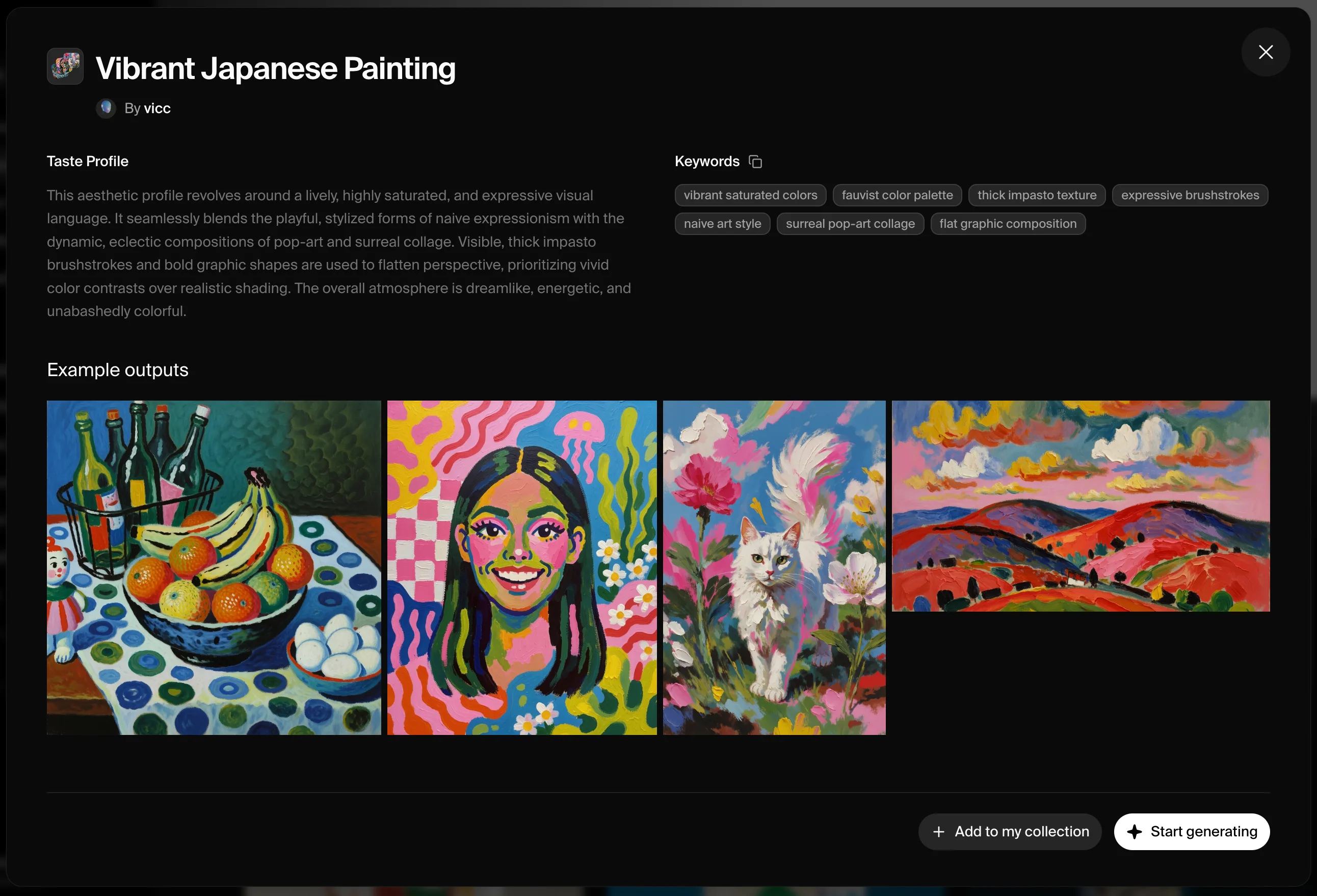
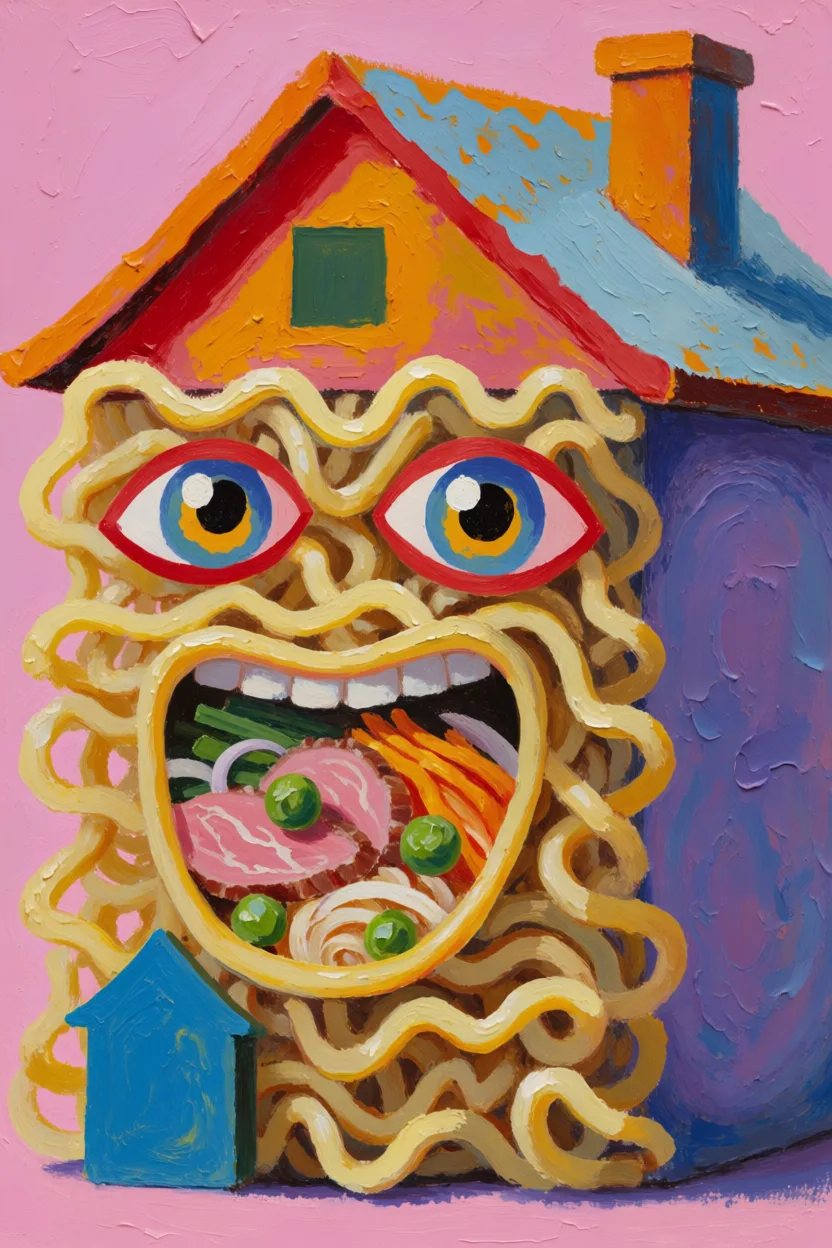
Prompt: a house made of ramen
How it works
Create a moodboard in Krea
Open krea.ai, create a new moodboard, drop in the images that share your creative direction, and save it.
Get the moodboard ID
Open the API playground — your saved moodboards are listed there with their IDs. You can also grab one from a moodboard’s share URL:
https://www.krea.ai/moodboards?share=<id> — the UUID after ?share= is the ID.Code example
Node.js