

Krea 2 ships with the most powerful style transfer system on the market. Pass in a single reference image or combine several, and Krea 2 will extract the style and apply it to your output — letting you decide how strongly each reference shapes the final image.Documentation Index
Fetch the complete documentation index at: https://docs.krea.ai/llms.txt
Use this file to discover all available pages before exploring further.
Examples
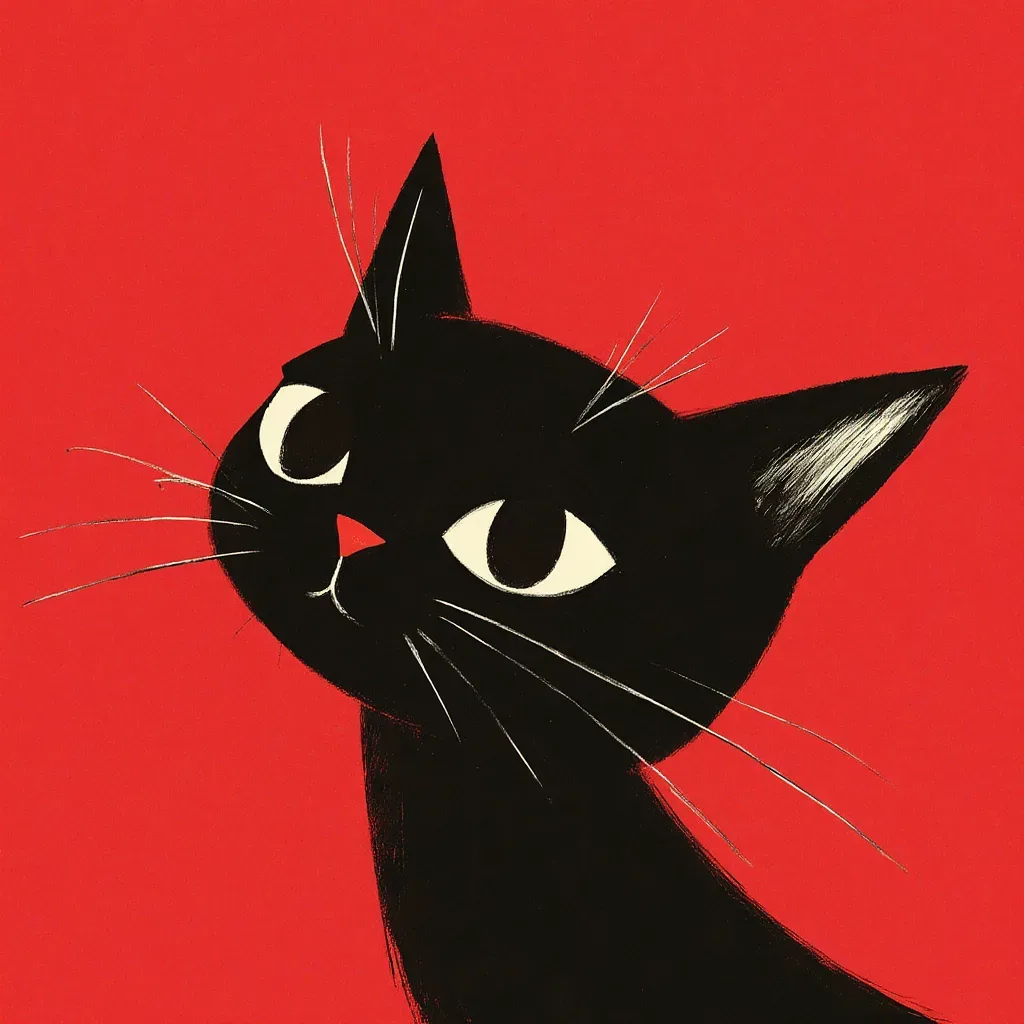
Each example shows the style reference on the left and the generated output on the right.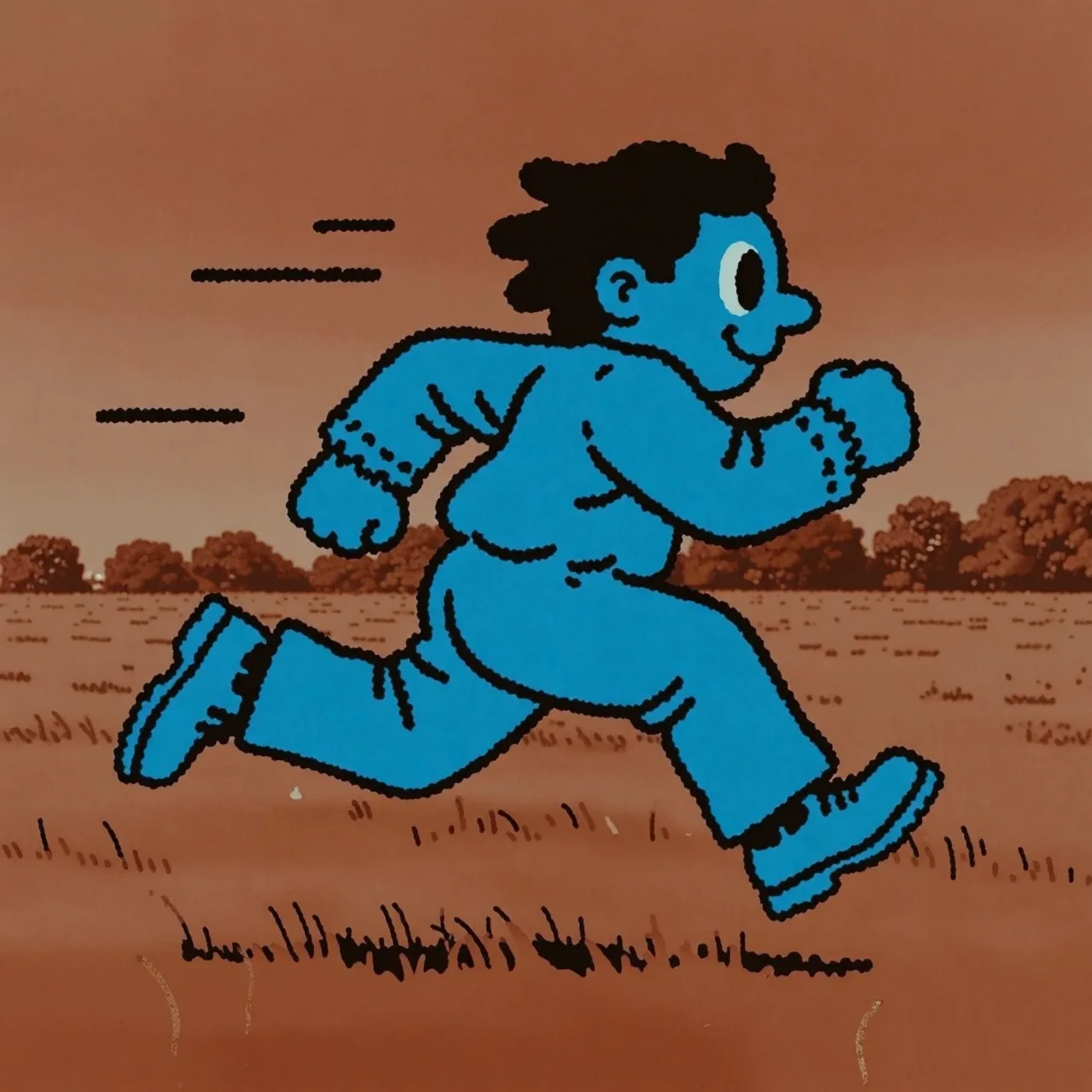
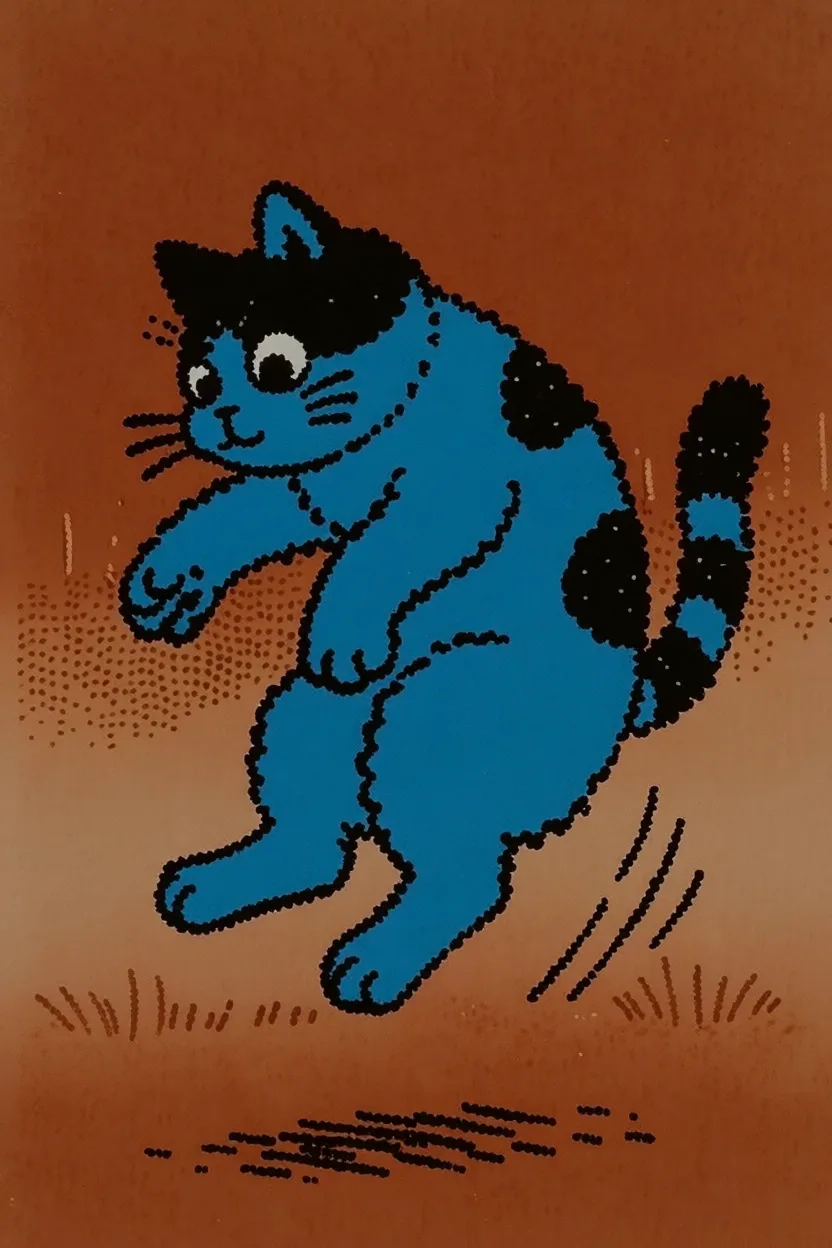
Prompt: a cat jumping sideways
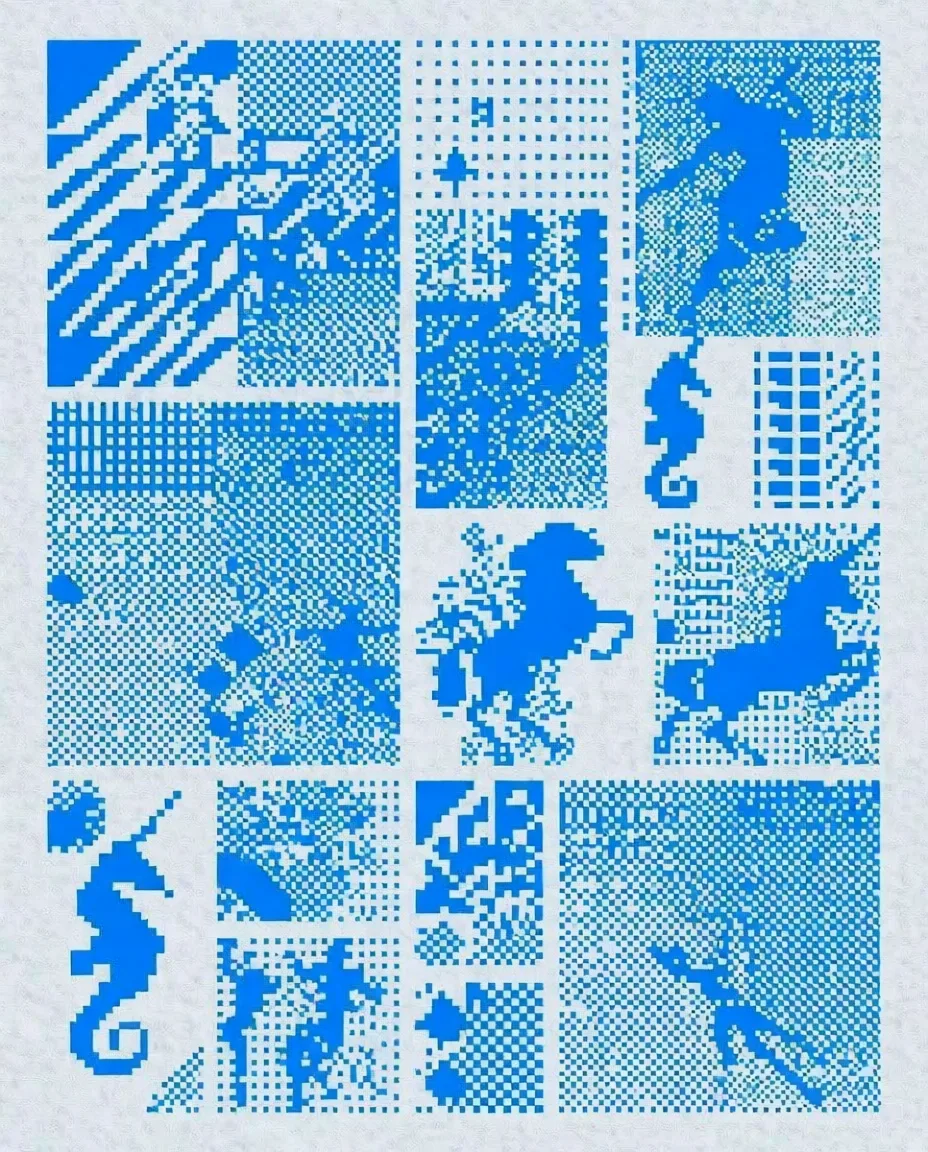
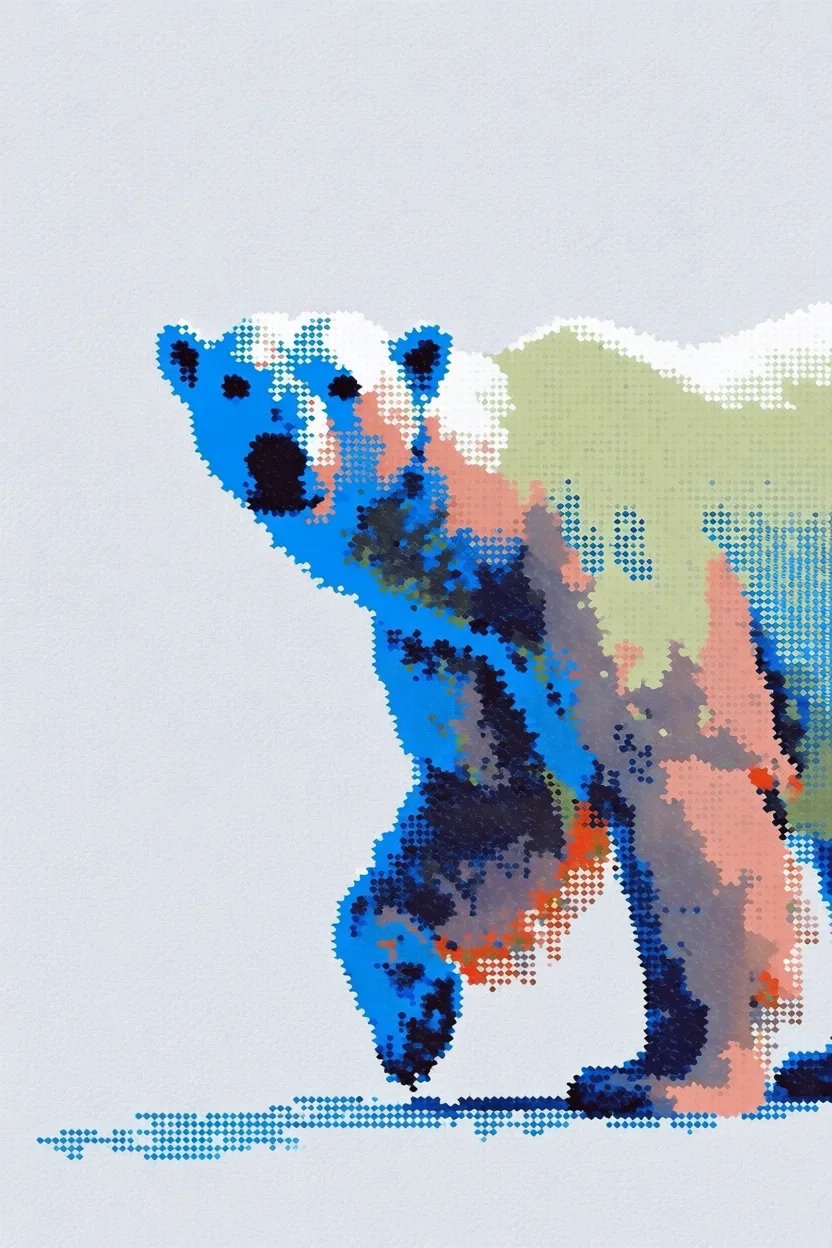
Prompt: a polar bear
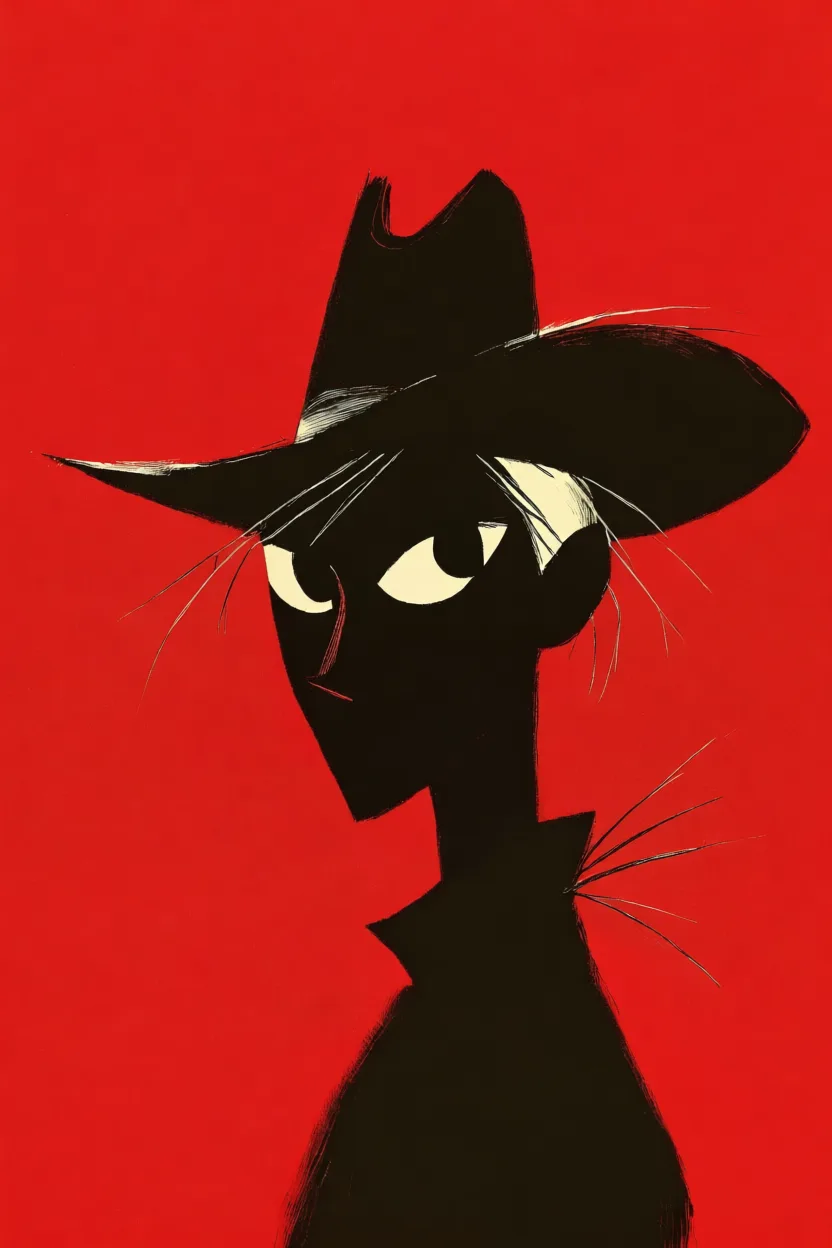
Prompt: a cowboy
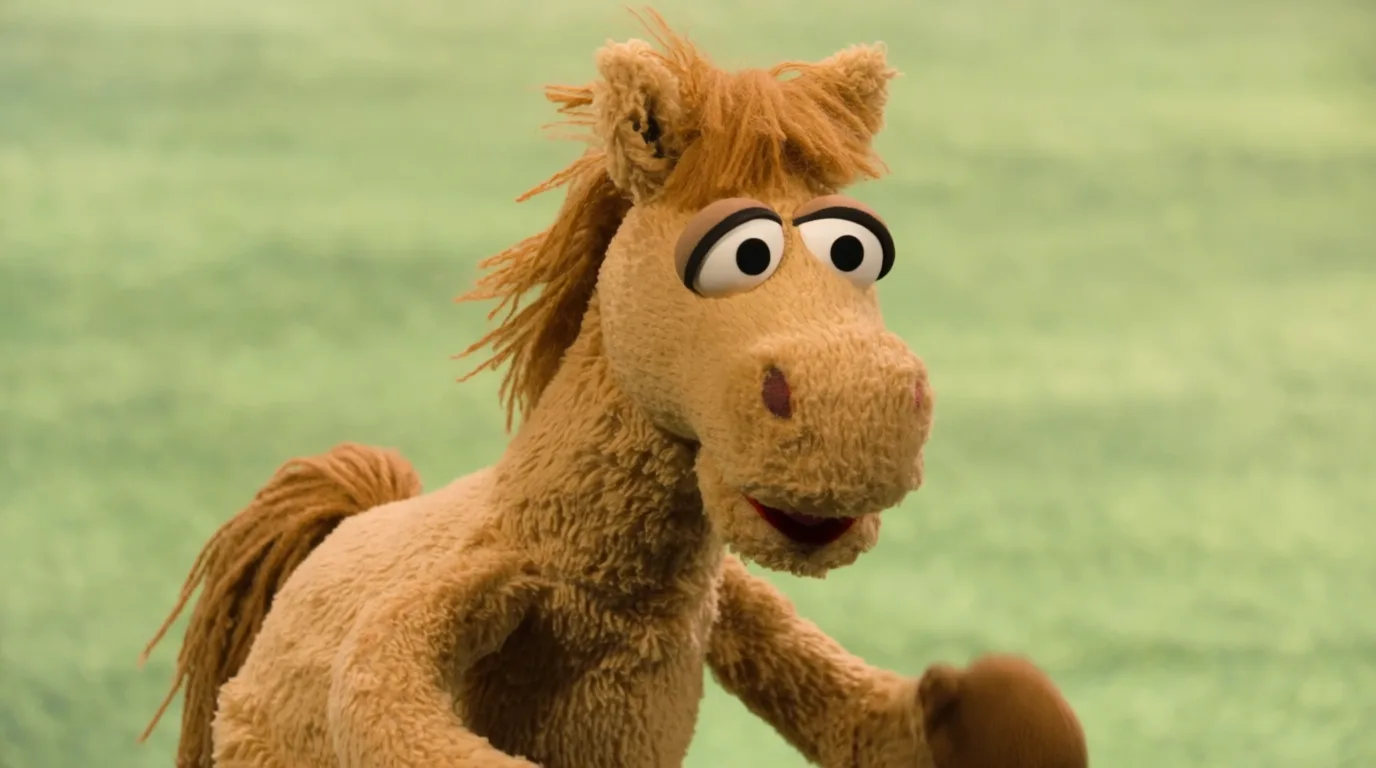
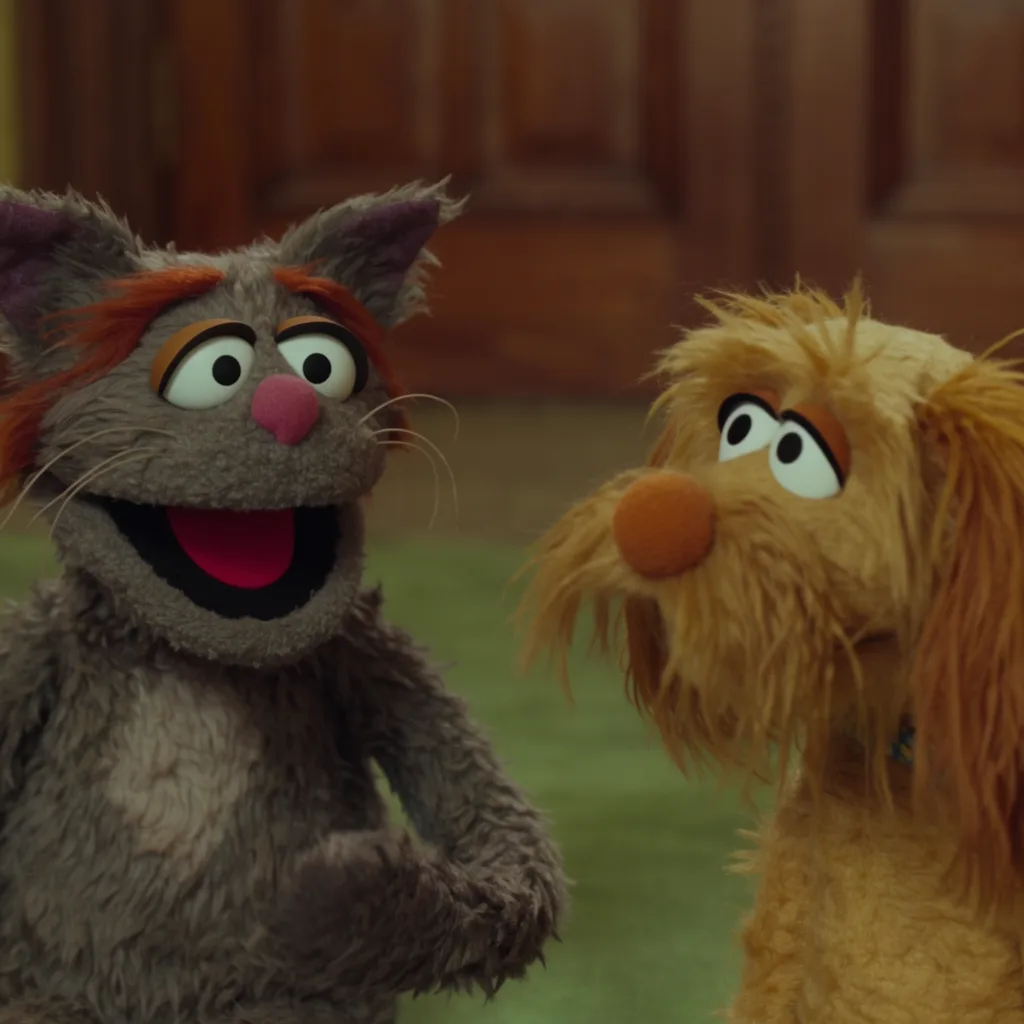
Prompt: a scene from the live-action Muppets movie featuring a grey cat muppet and his dog friend
How it works
Upload your reference
POST the image to /assets. The response includes a hosted URL you’ll pass to the generation request.Reference it by URL
Include the asset URL in the
image_style_references array of your krea-2/medium or krea-2/large request.End-to-end example
This example uploads a local file as a style reference and uses it in a Krea 2 Medium generation.The job is asynchronous —
POST /generate/... returns a job_id immediately. See Job lifecycle for the polling pattern, or use a webhook to skip polling entirely.Tuning strength
strength ranges from 0 (no influence) to 1 (the style fully dominates the output). A few rules of thumb:
- ~0.3–0.5 — subtle influence; useful when you want the prompt to lead and the reference to add character.
- ~0.6 — balanced starting point for most use cases.
- ~0.8–1.0 — the reference style dominates; useful when the prompt is generic and the visual identity should come from the reference.
Combining multiple references
Pass multiple objects inimage_style_references to blend styles. Each reference can have its own strength.
Node.js
1.0 and tune from there.