

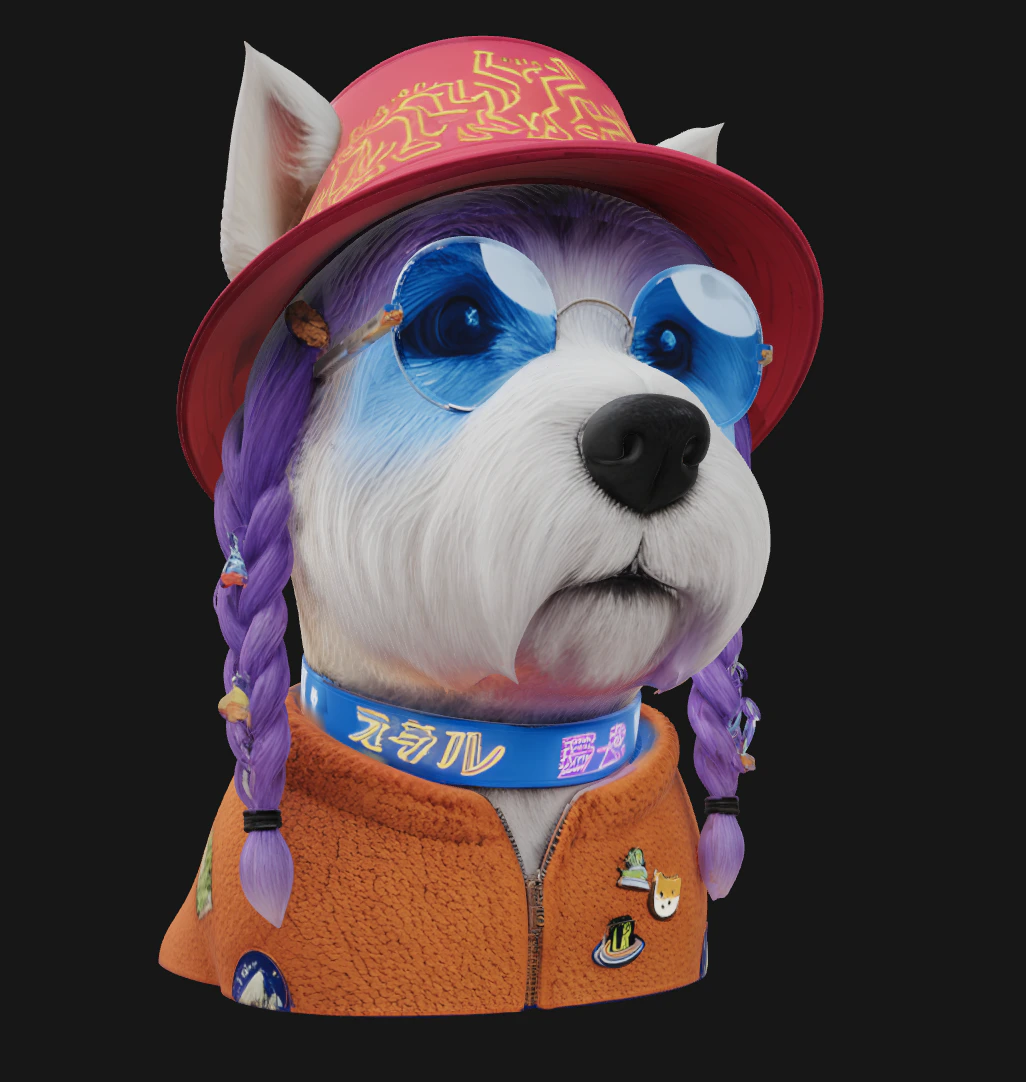
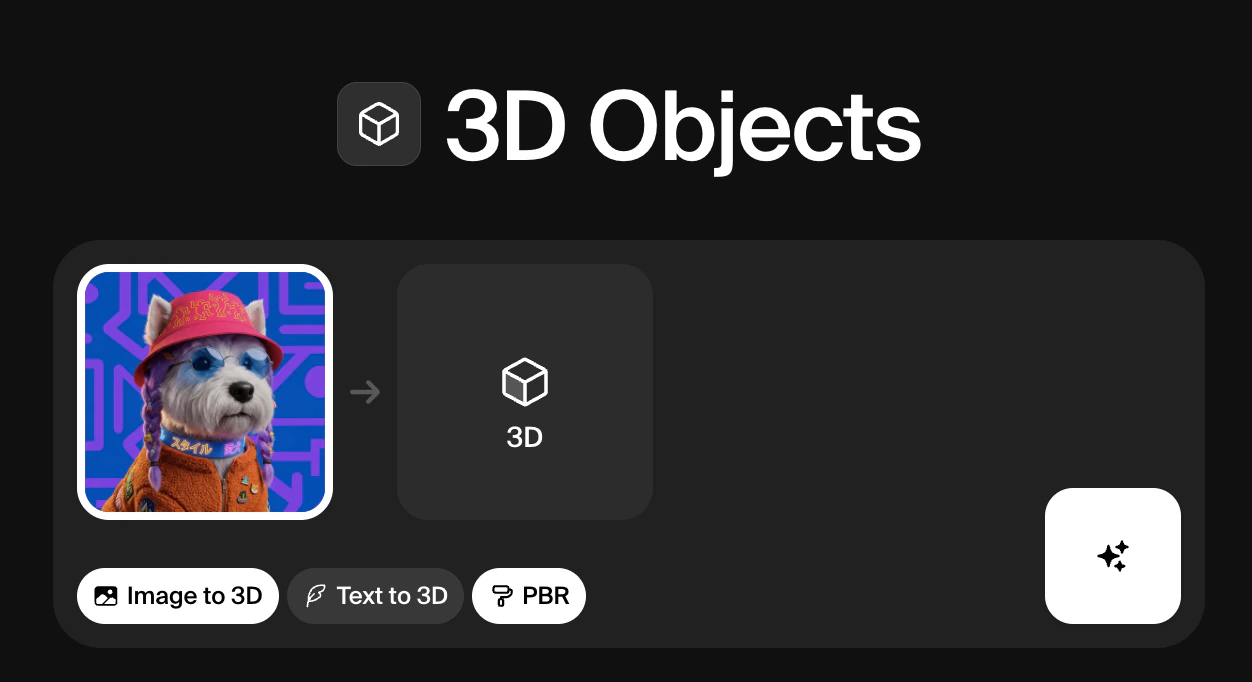
Krea’s 3D Objects tool converts images into fully formed 3D meshes, or generates them from scratch using a text prompt. Upload a photo of any object and Krea will reconstruct its shape, depth, and surface in three dimensions. If you don’t have a reference image, Text to 3D lets you describe what you want and generates the mesh directly from your prompt.Documentation Index
Fetch the complete documentation index at: https://docs.krea.ai/llms.txt
Use this file to discover all available pages before exploring further.


| Model | Description | Speed | Quality | Compute cost |
|---|---|---|---|---|
| Hunyuan3D 3.1 Pro | High-fidelity text or image-to-3D with optional PBR materials, multi-view inputs, and adjustable face count for cleaner meshes | Low | High | ~300 |
| TRELLIS 2 | Native 3D generative model for high-quality 3D asset creation | Low | High | ~250 |
| Hunyuan3D-2mini-Turbo | Fastest 3D model generator | Medium | Medium | 7 |
| Hunyuan3D-2 | High quality 3D model generator | Low | Medium | 10 |
| Hunyuan3D-2.1 | High quality 3D model generator | Low | Medium | 25 |
| Tripo | High quality 3D model generator | Low | Medium | 8 |
| TRELLIS | High quality 3D model generator | Low | Medium | 10 |