Krea is an AI creative suite that lets you generate images and videos, edit and enhance existing assets, and watch your ideas come to life in real time. Whether you’re a designer, filmmaker, brand strategist, or just someone with a creative vision, Krea gives you the tools to make it happen — without needing a technical background. At the heart of Krea is access to a wide range of the latest AI models, all in one place. Instead of switching between platforms, you can experiment with models from Google, OpenAI, Runway, and others alongside Krea’s own flagship model, Krea 1 — and find the one that fits your project best.

Creative tools

Image
Home
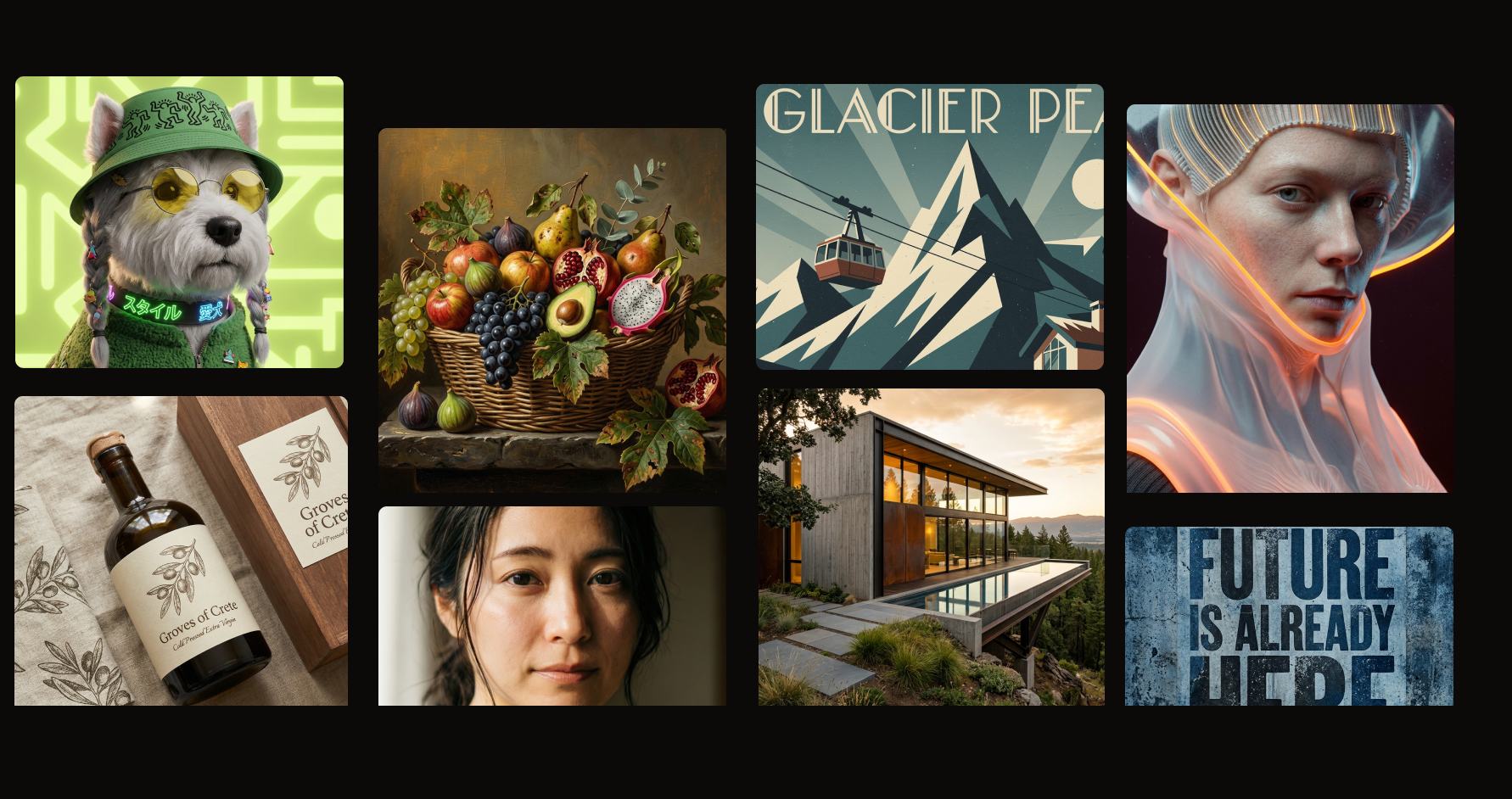
Krea’s image generation tool gives you access to all the latest models — from Krea 1 to third-party models like Google’s Imagen 4 and OpenAI’s ChatGPT Image. Combine text prompts with style references, aspect ratios, and sketches to iterate quickly and zero in on exactly the visual you’re after.

Learn more →

Video

Turn text prompts or still images into video clips using models from Wan, Seedance, Runway, Kling, Hailuo, and more. Set a start frame, an end frame, or both — and use prompt-driven camera movements to get the precise clip you need. Learn more →

Realtime

Realtime is one of Krea’s most unique features. As you type a prompt, adjust a slider, or move shapes around the canvas, the image updates instantly — no waiting for generations to finish. You can even use your webcam as an input, mapping your gestures directly onto the output. It’s the fastest way to explore an idea. Learn more →

Enhancer

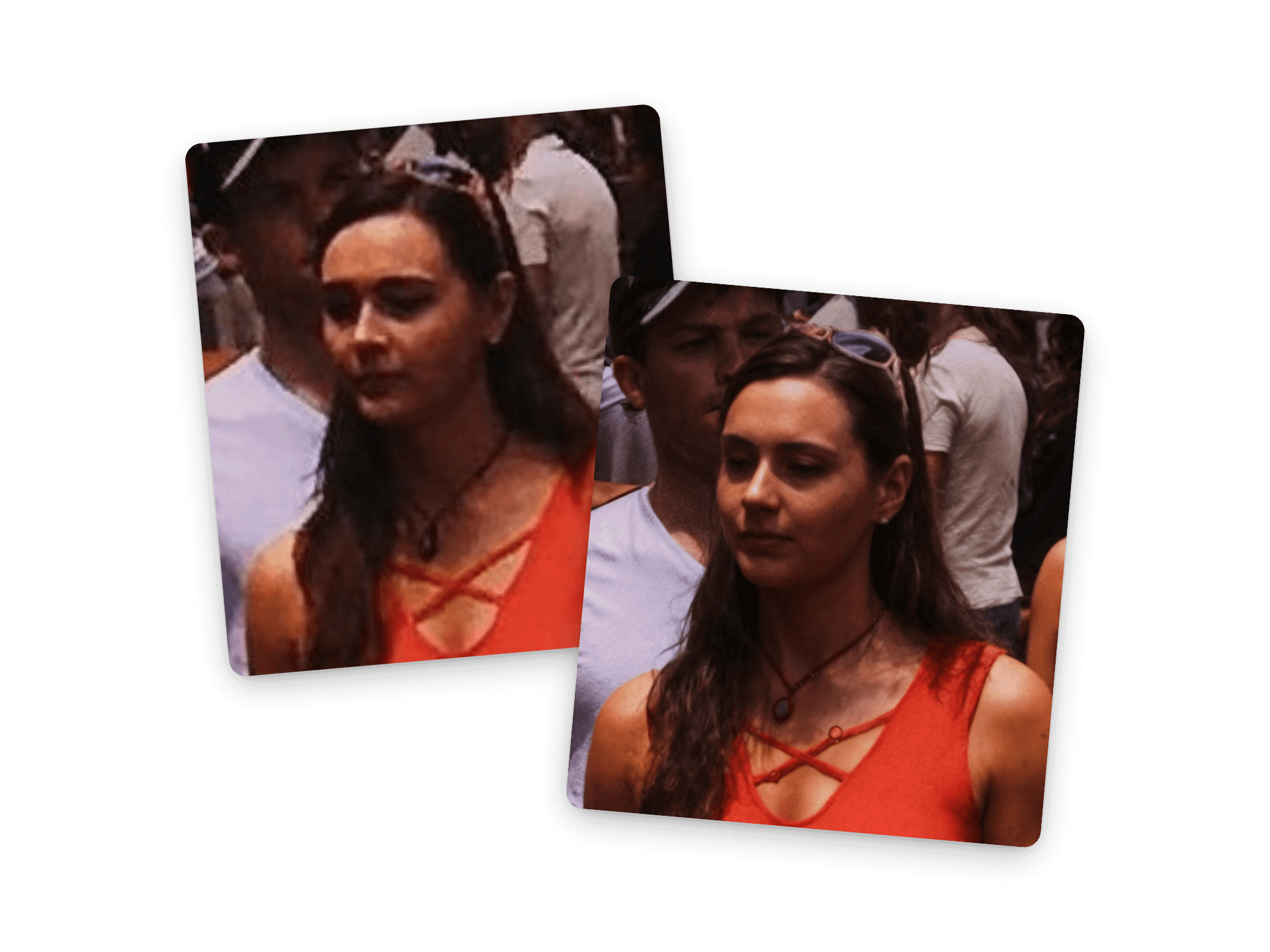
Aiimageenhancerkrea Pn Got an image that’s almost right, but not quite there? The Enhancer lets you upscale images to a higher resolution, sharpen details, adjust lighting, and clean up noise — all without starting from scratch. It works just as well on images you’ve generated in Krea as on assets you’ve brought in from elsewhere. Learn more →

Edit

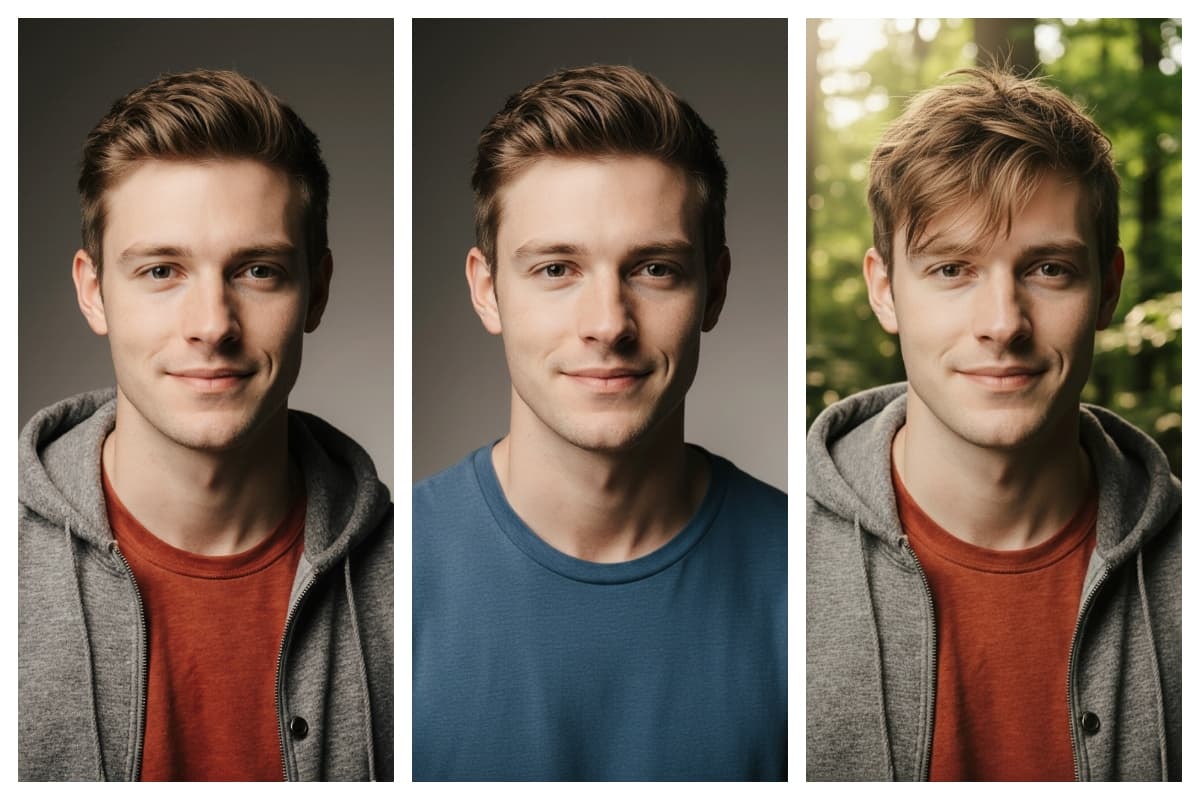
A Iimageeditingwith Krea Jp A canvas-based tool for precisely modifying, blending, and expanding images. Add objects or items to scenes, remove unwanted elements, change camera angles, adjust lighting – it’s all only a request away. Learn more →

Training

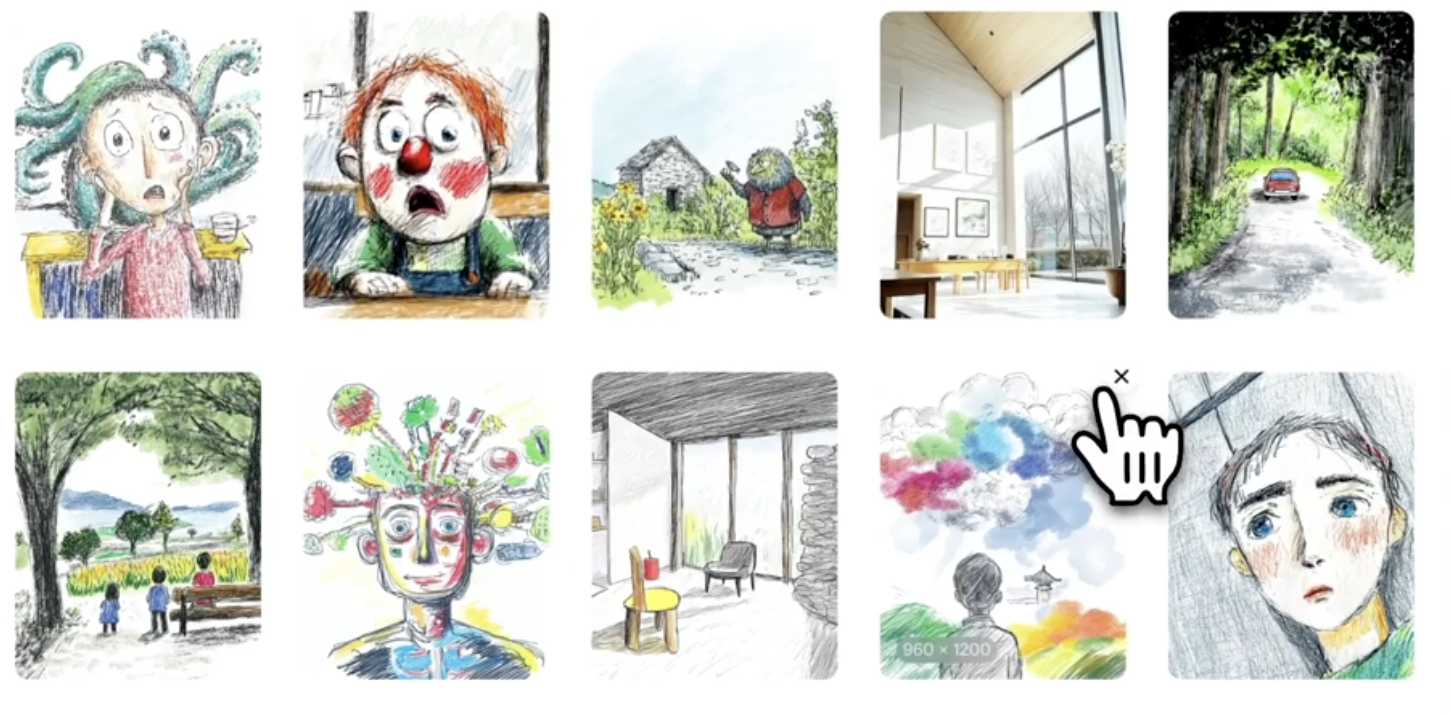
Trainingcustomaimodelimages Pn A powerful feature that allows you to upload your own images and train custom models for consistent outputs. Teach the AI what a particular product or person looks like, or create a moodboard of images in a particular style, then use your magic keyword to generate on-brand images, on-demand. Learn more →