Overview
Z Image is the most affordable model on Krea at just 3 credits per image. It was developed by Alibaba’s Tongyi Lab and built on a Diffusion Transformer (DiT) architecture, which gives it a level of photorealistic output that’s impressive for a model at this price point. It’s fast, straightforward, and produces realistic textures with solid prompt adherence, making it a reliable starting point when you’re on a tight credit budget or need a rough visual quickly.
The trade-off is limited compositional diversity. Outputs can start to feel similar across prompts, and it won’t push your image in an artistic or stylized direction. Think of it as a sketch pad: fast, cheap, and always a starting point rather than a final destination.
One notable capability is its text rendering. Z Image handles legible text within images well, including both English and Chinese characters, which makes it more useful than its price point might suggest for prompts that include signage, labels, or other written elements.
At a Glance
| Feature | Detail |
|---|
| Speed | Fast (3/3) |
| Quality | Selective (1/3) |
| Credits | 3 per image, lowest cost on the platform |
| LoRA support | No |
| Text rendering | Strong, English and Chinese |
| Best at | Budget drafts, quick photorealistic references |
| Developed by | Alibaba Tongyi Lab |
When to Use Z Image
| Use When | Avoid When |
|---|
| You are on a tight credit budget | You need diverse or unusual compositions |
| You need a quick photorealistic reference image | The image needs to be final or near-final quality |
| You are in the early stages of concept exploration | You need strong stylistic variety across multiple generations |
| You plan to heavily edit or enhance the output afterward | You want a heavily artistic or stylized result |
| Your prompt includes text that needs to be legible | You need LoRA style support |
Getting Started
- Go to Image Generation — Navigate to krea.ai/image and select this model from the dropdown.
- Select Z Image — Open the model picker and choose Z Image from the Fast Models section.
- Keep your prompt simple — Z Image works best with clear, direct descriptions. Avoid overly abstract or complex prompts.
- Set your aspect ratio — Choose the format that fits your use case before generating.
- Generate and review — Check the output for texture quality and overall composition.
- Enhance if needed — Take your best result into Krea’s Enhancer to improve resolution and quality before using it anywhere.
Prompting Tips
| Tip | Example |
|---|
| Keep prompts clear and direct | ”A family home exterior, suburban street, sunny day” rather than abstract descriptions |
| Use Z Image for composition checks first | Confirm the layout feels right, then regenerate with a better model for the final version |
| Include text in quotes if legibility matters | A storefront sign reading “Open Daily 9am” |
| Add specific lighting and time of day | ”Late afternoon light” or “overcast morning” adds realism without complexity |
| If outputs feel too similar, reword rather than regenerate | Changing phrasing produces more variety than hitting regenerate on the same prompt |
| Always run the Enhancer on final outputs | It significantly improves Z Image results before use in any professional context |
Example Prompts
Z-Image Focus
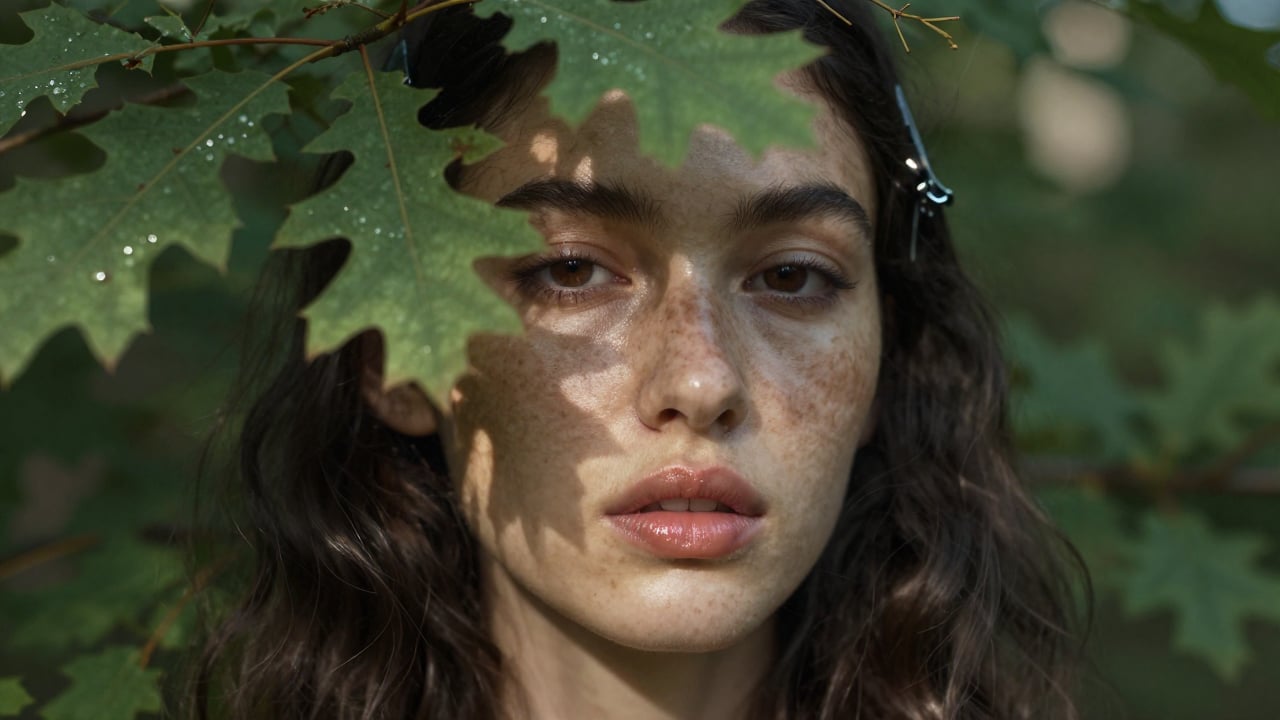
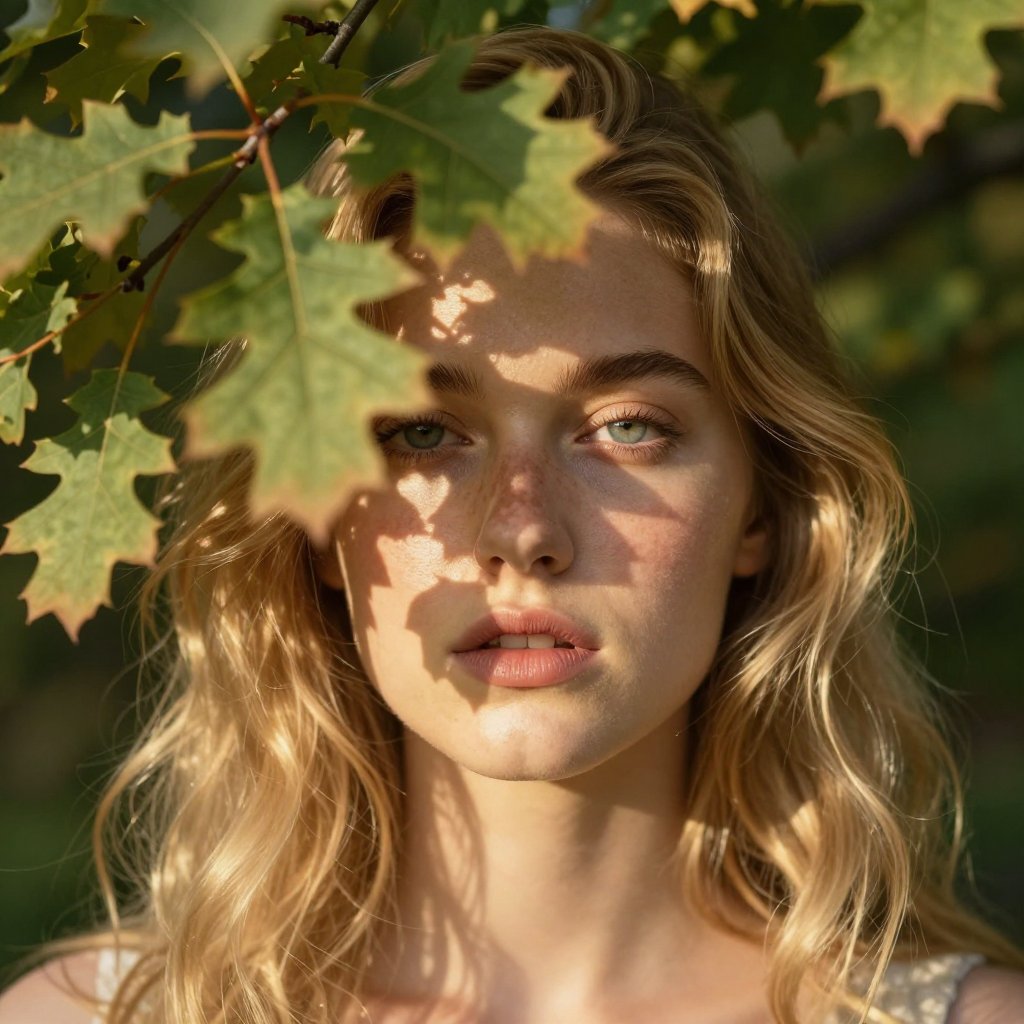
Z-Image Turbo excels at layering micro-textures, like the subtle grain of skin pores, the cool metallic edge of clips, and the fibrous hush of pine, under mottled, natural illumination, turning a simple portrait into a tactile, immersive study in light and matter.
A hyper-detailed close-up portrait of a young woman with loose waves of blonde hair her face half-veiled by overlapping oak boughs that dapple her cheeks with feathery shadows. Ethereal backlighting with soft golden rays piercing the foliage, intricate depth of field blurring the background greens, 8K, captured on a Nikon Z8 with a 105mm macro lens. --ar 3:4
Dual-World Precision
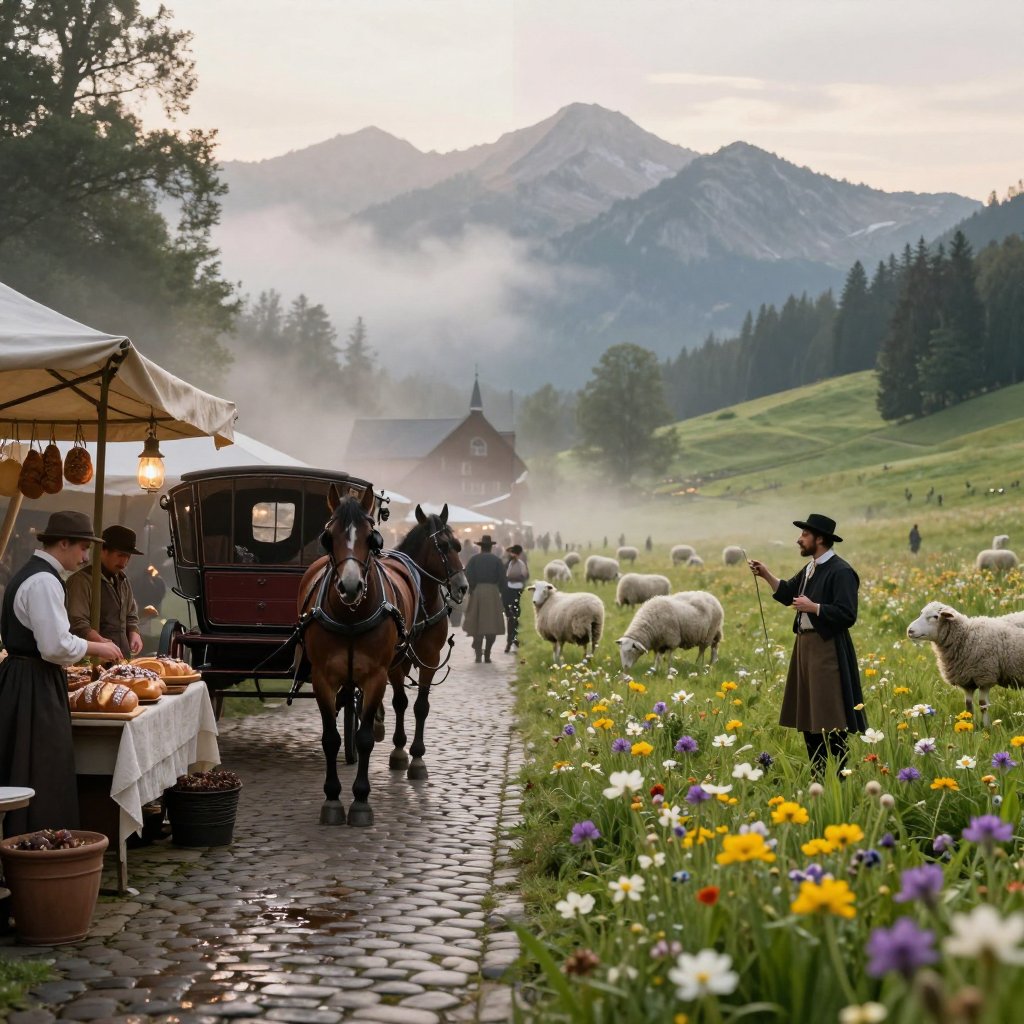
A seamless diptych scene: left side, a bustling Victorian marketplace alive with horse-drawn carriages, cobblestone slick from morning mist, vendors hawking spiced loaves under gas lamps; right side, a pristine alpine meadow at dawn, wildflowers nodding in crisp air, a lone shepherd piping a melody to grazing sheep. The central seam is razor-sharp, with mist tendrils bridging the gap like a dream's edge. Rich volumetric contrast, hyper-detailed fabrics and petals, Z-Image Turbo fidelity, 8K cinematic split.
E-commerce homepage carousel
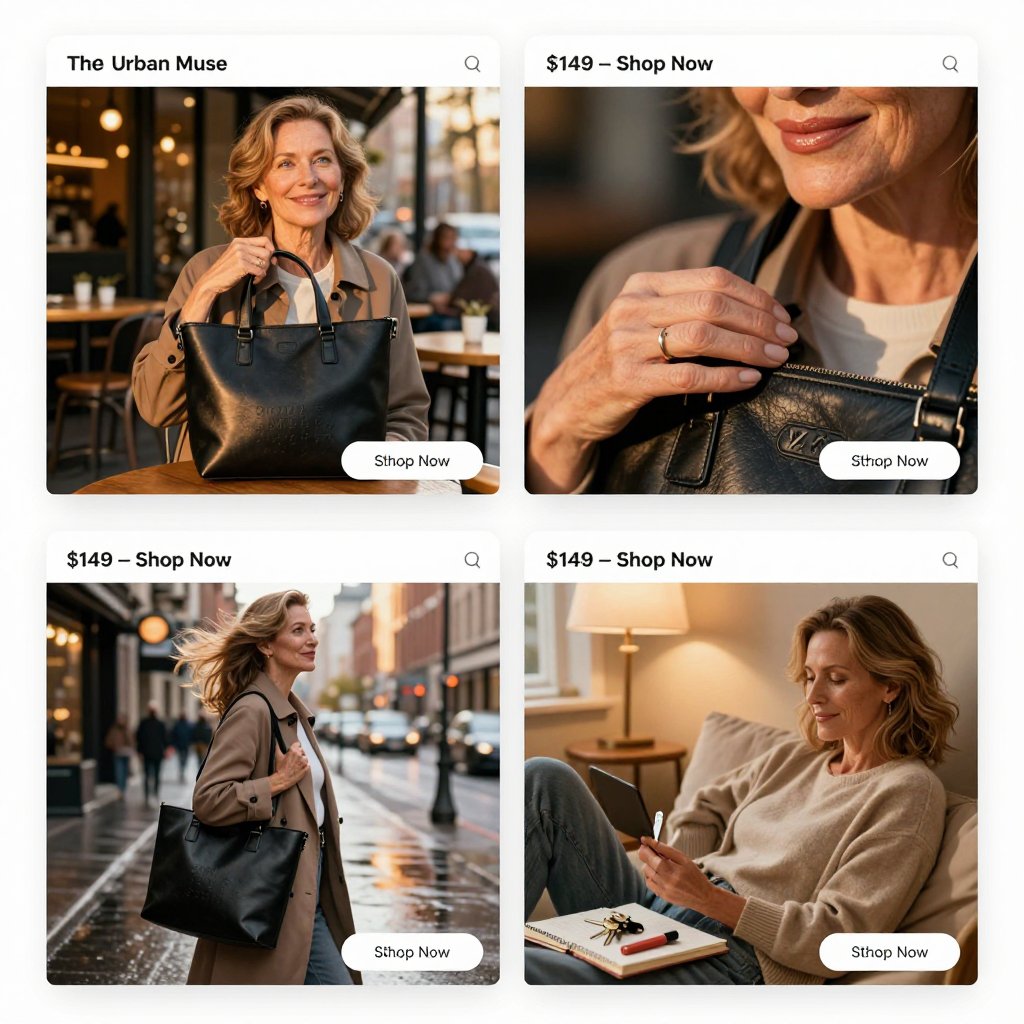
A 4-panel storyboard in clean e-commerce mockup style: Panel 1, the Urban Muse spots a sleek black leather tote in a bustling city cafe, her blue-green eyes lighting up amid freckled smile; Panel 2, close-up of her hand tracing the bag's embossed texture, glossy lips curving in approval; Panel 3, her striding confidently down a rainy avenue, tote slung over shoulder with wind-tousled waves; Panel 4, her unwinding at home, —keys, notebook, lipstick—in soft lamplight. Consistent character: 60-year-old Crisp white borders, sans-serif product labels ("$149 - Shop Now"), photorealistic 8K panels with golden hour transitions, e-commerce UI overlays like add-to-cart buttons.