

Image to 3D
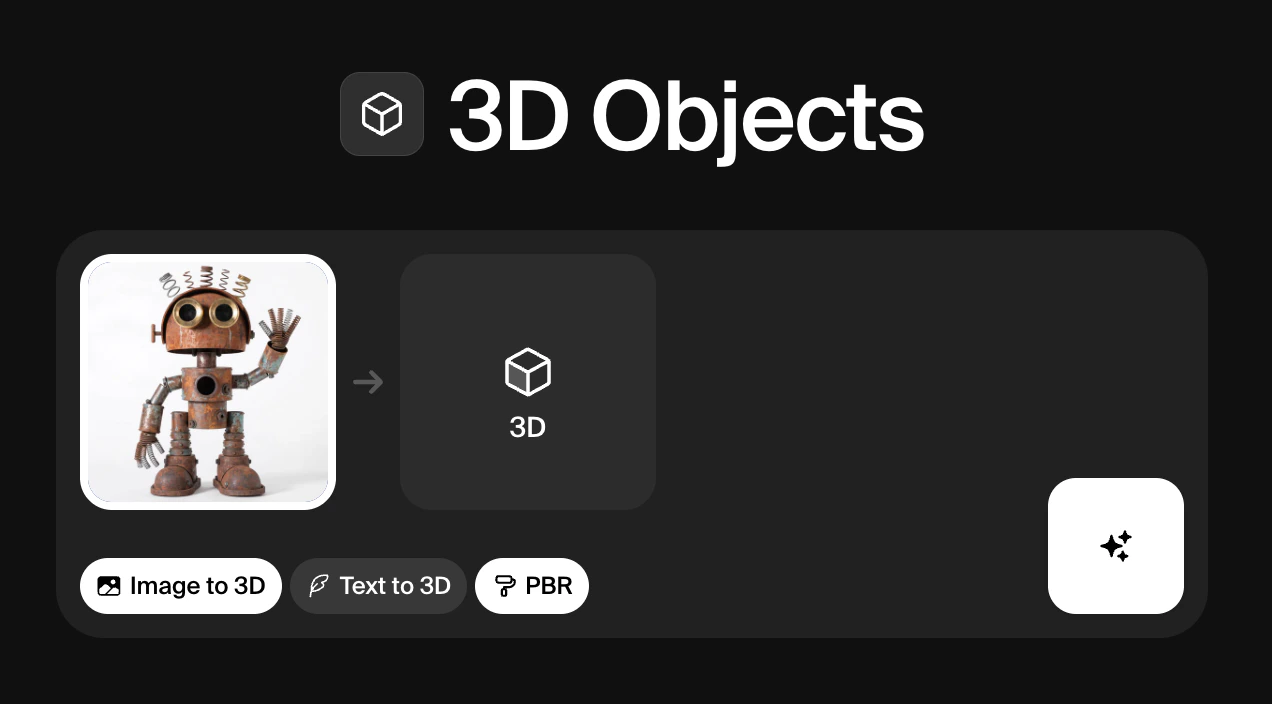
Image to 3D is the recommended starting point if you already have a sketch, render, or product photo. Example workflow:- Click Add image in the input card and upload a clear image of the object you want to convert.
- Select your preferred 3D model in top-left dropdown. (see: available models)
- Optionally enable PBR if you require more realistic materials and lighting behavior.
- Click Generate and review the 3D preview in the output card.
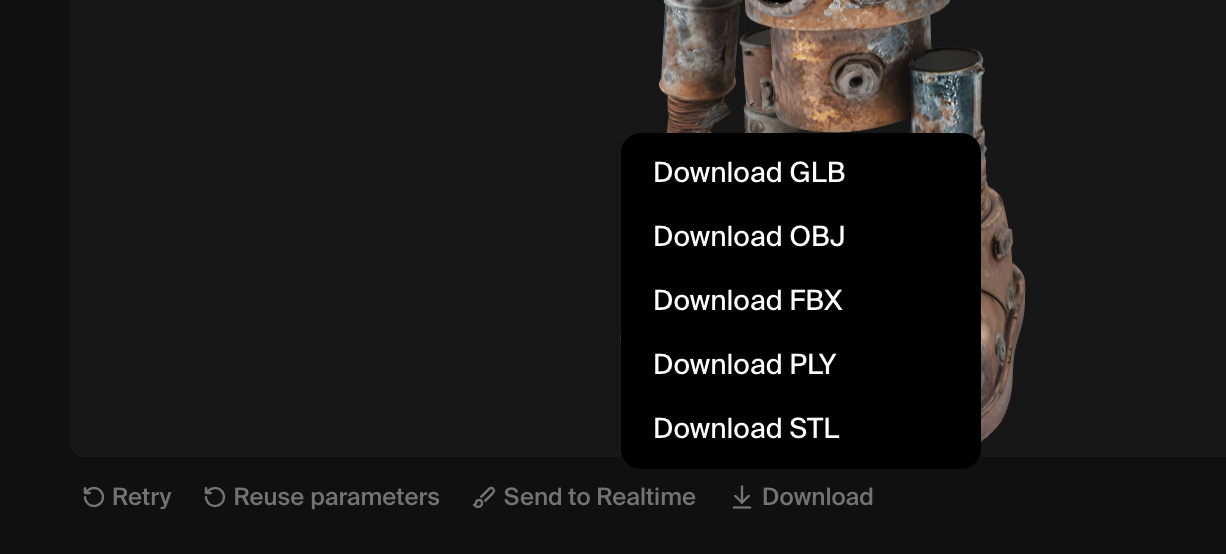
After generating a 3D object, you have four options below the result: Retry, Reuse parameters, Send to Realtime, and Download.

Downloading 3D files
Once you’ve generated a 3D object and downloaded it, you can use it in a variety of downstream tools and workflows:- Bring the model into content creation tools (Blender, Maya, Cinema 4D) as OBJ, FBX, or GLB for further modeling, retopology, texturing, or rigging.
- Use GLB directly in web viewers, game engines, or AR frameworks that support glTF/GLB for real‑time rendering with PBR materials.
- Export STL for 3D printing, prototyping, or fabrication via slicer software like PrusaSlicer or Cura.
- Export PLY when you care about dense geometry and vertex colors, for scan cleanup, measurement, or scientific visualization.
3D to Realtime
Clicking Send to Realtime takes your 3D mesh directly into Krea’s Realtime canvas, where you can use it as a compositional reference for image generation. The Realtime model reads the shape and spatial layout of the object and uses it to guide the output, so you can generate fully styled, textured images that match the pose and structure of your 3D asset without having to describe the composition in a prompt.Video models
| Model | Description | Speed | Quality | Compute cost |
|---|---|---|---|---|
| Hunyuan3D 3.1 Pro | High-fidelity text or image-to-3D with optional PBR materials, multi-view inputs, and adjustable face count for cleaner meshes | Low | High | ~300 |
| TRELLIS 2 | Native 3D generative model for high-quality 3D asset creation | Low | High | ~250 |
| Hunyuan3D-2mini-Turbo | Fastest 3D model generator | Medium | Medium | 7 |
| Hunyuan3D-2 | High quality 3D model generator | Low | Medium | 10 |
| Hunyuan3D-2.1 | High quality 3D model generator | Low | Medium | 25 |
| Tripo | High quality 3D model generator | Low | Medium | 8 |
| TRELLIS | High quality 3D model generator | Low | Medium | 10 |