Overview
Seedream 5 Lite is ByteDance’s latest image generation model, released in February 2026. It’s built on a unified multimodal architecture and represents a meaningful shift in how AI image models work: rather than passively converting text into pixels, it reasons through your prompt before generating, using a Chain of Thought mechanism to interpret complex instructions, understand spatial relationships, and apply real-world knowledge to the output.
The result is a model that handles the kind of prompts that trip up most generators: multi-element compositions, precise layouts, infographics, posters with embedded text, and anything that requires logical consistency between objects in a scene. Its typography capabilities are among the strongest available, and it’s the first model in the Seedream family to include real-time web search, meaning it can pull in current information when generating trend-based or time-sensitive visuals.
Getting Started
- Go to Image Generation — Navigate to krea.ai/image and select this model from the dropdown.
- Select Seedream 5 Lite — Open the model picker and choose Seedream 5 Lite from the Intelligent Models section.
- Write a detailed prompt — This model is built for complex instructions. Be specific about layout, composition, text placement, subject relationships, and style.
- Add a reference image (optional) — Upload a single reference image to guide style, composition, or subject identity.
- Choose your aspect ratio — Select the format that fits your use case before generating.
- Generate — Click Generate. The model’s reasoning step means it takes slightly longer than fast models, but handles layered prompts more accurately.
- Iterate — Refine with follow-up instructions. Seedream 5 Lite responds well to specific, targeted edit requests.
At a Glance
| Feature | Detail |
|---|
| Speed | Medium (2/3) |
| Credits | ~30 per generation |
| Developed by | ByteDance |
| Resolution | Up to 4K |
| Style images | Up to 14 |
| Reasoning | Yes — Chain of Thought multi-step inference |
| Web search | Yes — real-time retrieval for current information |
| Typography | Strong — multi-language, multi-line, dense text layouts |
| Reference image support | Yes — single image for style or identity guidance |
Overview
Seedream 5 Lite’s most significant upgrade over its predecessors isn’t resolution or speed; it’s intelligence. The model uses Chain of Thought reasoning to work through your prompt in multiple steps before generating, which means it handles nuanced, layered instructions with far greater accuracy than a standard text-to-image pipeline. Where other models might approximate what you asked for, Seedream 5 Lite is more likely to deliver it precisely.
Its real-time web search capability is genuinely useful for content that needs to reflect current information. Ask it to generate a poster referencing a recent event, a trend chart, or a topical visual, and it can pull in up-to-date context rather than relying solely on its training data.
Typography is another standout. It handles multi-line layouts, dense body copy, product labels, and brand logos with high accuracy across both English and Chinese, making it one of the more practical choices for design-oriented work where text is a core part of the visual.
When to Use Seedream 5 Lite
| Use When | Avoid When |
|---|
| Your prompt involves complex spatial relationships or multiple interacting elements | You need a fast, cheap draft and simplicity is fine |
| You need accurate, legible text rendered within the image | You want a heavily artistic or loosely interpreted output |
| You’re generating posters, infographics, or design layouts | You need LoRA style support |
| Your visual needs to reference current events or real-time information | You’re iterating quickly through many rough concepts |
| You need consistent subject identity across multiple outputs | |
Common Use Cases
- Marketing and advertising: Event posters, promotional banners, and campaign visuals with embedded headlines and body copy
- Infographics: Data visualizations, process diagrams, and educational charts with accurate labels
- E-commerce: Product hero shots, lifestyle imagery, and catalog photos with professional composition
- Brand design: Logos, packaging mockups, and brand collateral with precise typography
- Topical content: News posters, trend visuals, and time-sensitive graphics using real-time web search
Prompting Tips
| Tip | Example |
|---|
| Describe layout hierarchy explicitly for text-heavy designs | ”Title at the top in bold, subheading below, body copy in two columns, image centered” |
| Specify text content in quotes | ”A poster with the headline ‘Summer Collection 2026‘“ |
| Use the model’s reasoning for spatial logic | ”Three objects on a seesaw balanced by weight” — it will get the physics right |
| Reference current events or trends by name | The web search capability means it can incorporate live context |
| Be specific about professional context | ”Design a logo for a gaming company” outperforms a generic visual description |
| Use a reference image for style consistency | Upload one image to anchor the visual identity across multiple generations |
Examples
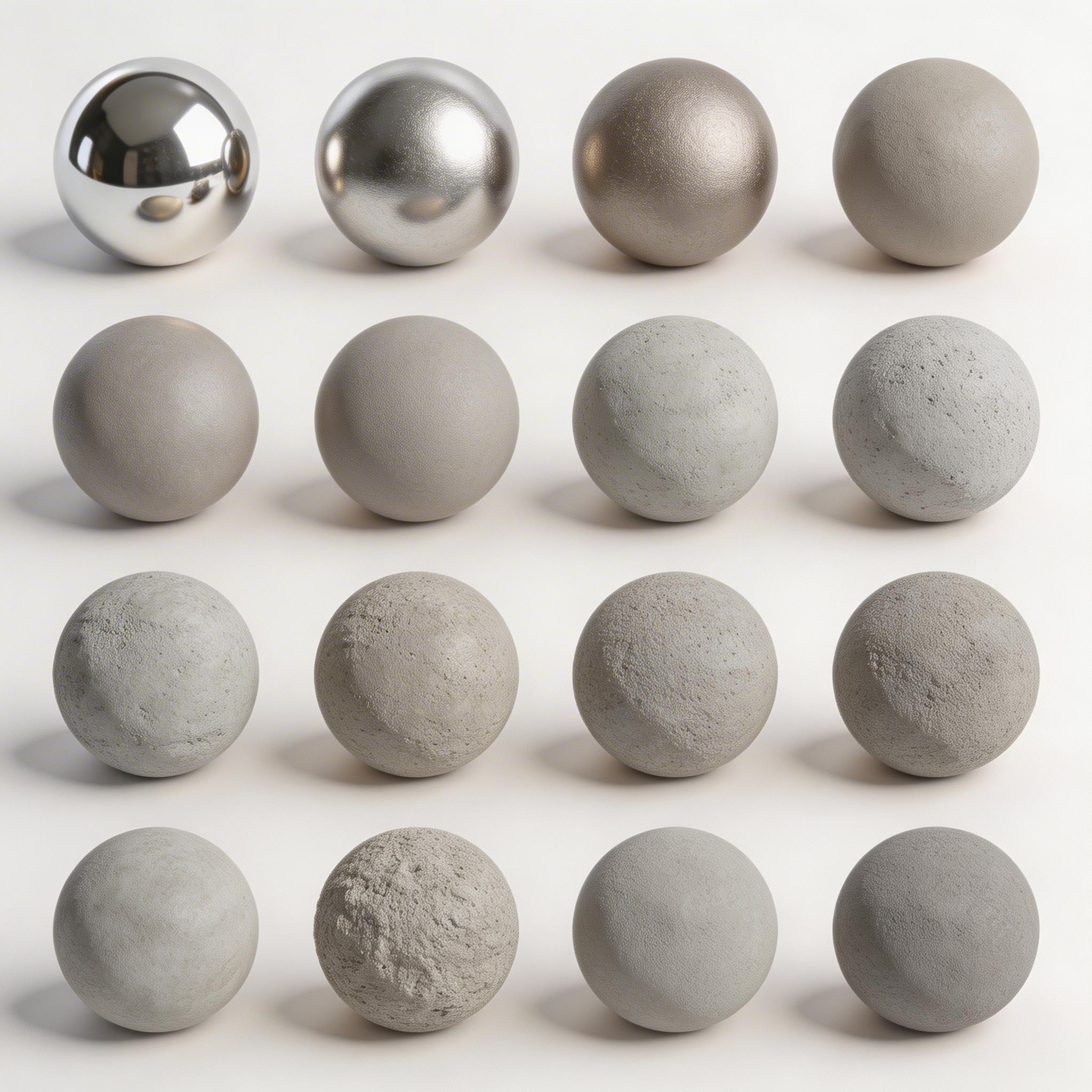
A row of 16 spheres in a grid format, 4 spheres to a row. Uniform studio lighting, rendered with roughness gradually increasing from left to right, the leftmost sphere mirror-polished chrome, the last completely matte unfinished concrete, accurate material and lighting physics throughout, pastel white background studio box lighiting.