Overview
OpenAI’s latest image generation model, built on GPT Image 1.5, a natively multimodal architecture that processes text and images through a single unified network rather than treating them as separate systems. The practical result is a model that follows complex instructions with unusual precision, handles dense text rendering accurately, and makes targeted edits to images without destabilizing everything else in the frame. It’s slower and more credit-intensive than the Fast Models, but for tasks that require exact prompt adherence, legible text within images, or controlled iterative editing, it’s one of the most capable options on the platform.Getting Started
- Go to Image Generation — Navigate to krea.ai/image and select this model from the dropdown.
- Select ChatGPT 1.5 — Open the model picker and choose ChatGPT 1.5 from the Intelligent Models section.
- Write your prompt — Be as specific and descriptive as possible. ChatGPT 1.5 is built for precise instruction following, so detailed prompts produce noticeably better results than vague ones.
- Add reference images (optional) — Upload images to guide composition, style, or subject matter.
- Choose your aspect ratio — Select portrait, landscape, or square depending on your use case.
- Generate — Click Generate. ChatGPT 1.5 is slower than fast models, but the output quality reflects the added processing time.
- Iterate — Ask for specific changes to your result. ChatGPT 1.5 will modify only what you ask for while keeping the rest of the image consistent.
At a Glance
| Feature | Detail |
|---|---|
| Speed | Slow (1/3) |
| Credits | ~150 per generation |
| Underlying model | GPT Image 1.5 (OpenAI) |
| Best at | Complex prompts, text rendering, precise image editing |
| Supported sizes | 1:1 square, 3:2 landscape, 2:3 portrait |
| Style reference support | Yes |
When to Use ChatGPT 1.5
ChatGPT 1.5 is the right model to reach for when precision matters more than speed. Its natively multimodal architecture means it understands the relationship between text and image at a deeper level than most models, which translates into stronger prompt adherence and more reliable results on complex or layered requests. Its text rendering capability is particularly strong. Where many models struggle to produce legible, correctly spelled text within an image, ChatGPT 1.5 handles dense and small-scale text accurately, making it a solid choice for any prompt that includes signage, typography, labels, or diagrams. It also excels at iterative editing. When you ask it to change one specific thing in an image, it adjusts only what you specified while preserving facial likeness, lighting, composition, and color tone across the rest of the frame. This addresses one of the most common frustrations with AI image generation, where asking for a small edit causes the entire image to be regenerated from scratch.| Use When | Avoid When |
|---|---|
| Your prompt is complex and requires precise interpretation | You need fast results or are in an early drafting phase |
| Your image needs to include legible text | You’re on a tight credit budget |
| You need to make specific edits without changing the whole image | You want a heavily stylized or artistic output |
| You’re working on diagrams, characters, or detailed scenes | You need LoRA style support |
| Facial likeness or visual consistency across edits matters |
Common Use Cases
- Diagrams and infographics: Technical illustrations with accurate labels and text
- Character design: Consistent character appearance across multiple iterations
- Marketing visuals: Layouts with readable copy, logos, or product callouts
- Photo editing: Targeted modifications to existing images without full regeneration
- Complex scenes: Multi-element compositions that require precise spatial relationships
Prompting Tips
Writing effective prompts
- Write prompts the way you would give a detailed creative brief — describe subject, style, lighting, composition, and mood explicitly
- For text within images, specify the exact wording, font style, size, and placement
- Describe spatial relationships clearly: “a red mug on the left side of a white table, window light from the right”
- ChatGPT 1.5 handles long, detailed prompts well — don’t abbreviate when you can be specific
Iterating on results
- When editing, describe only the change you want and leave everything else unspecified — the model will preserve what you don’t mention
- For character work, establish the appearance in your first generation, then reference it explicitly in follow-up edits
- If the result isn’t quite right, refine your prompt language rather than regenerating with the same text
Getting the most out of text rendering
- Put any text you need in the image in quotation marks within your prompt
- Specify font style if it matters: “sans-serif,” “handwritten,” “bold uppercase”
- For dense text layouts like posters or diagrams, break the layout into clear sections in your prompt
Examples
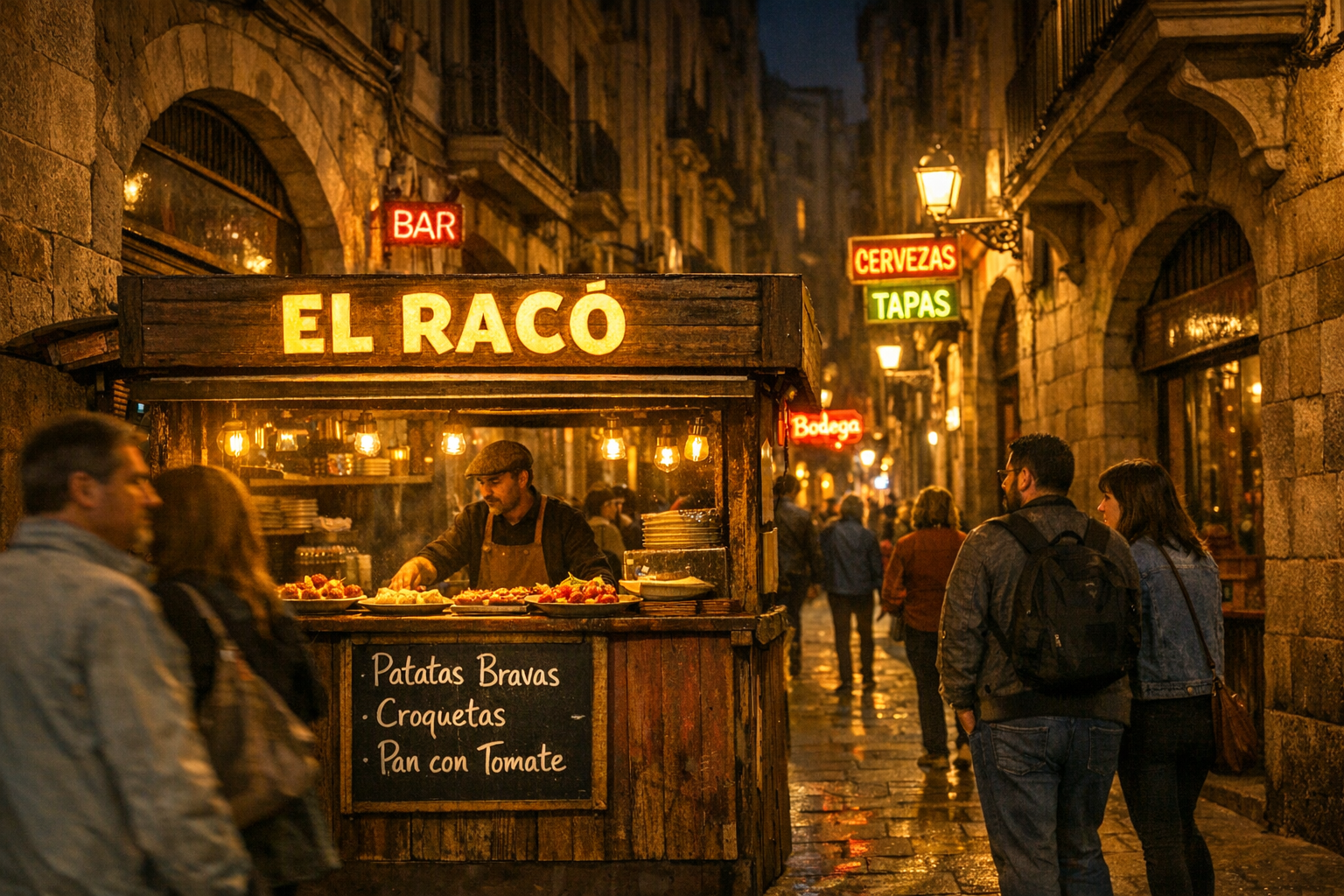
A photorealistic night scene on a narrow Barcelona street, warm amber streetlights , Gothic Quarter architecture lining both sides. In the foreground, a small tapas stall with a glowing sign reading "EL RACÓ" in bold yellow letters, a handwritten menu board underneath listing "Patatas Bravas, Croquetas, Pan con Tomate." Locals and tourists passing by, neon signs in Spanish and Catalan in the background.
Infographics
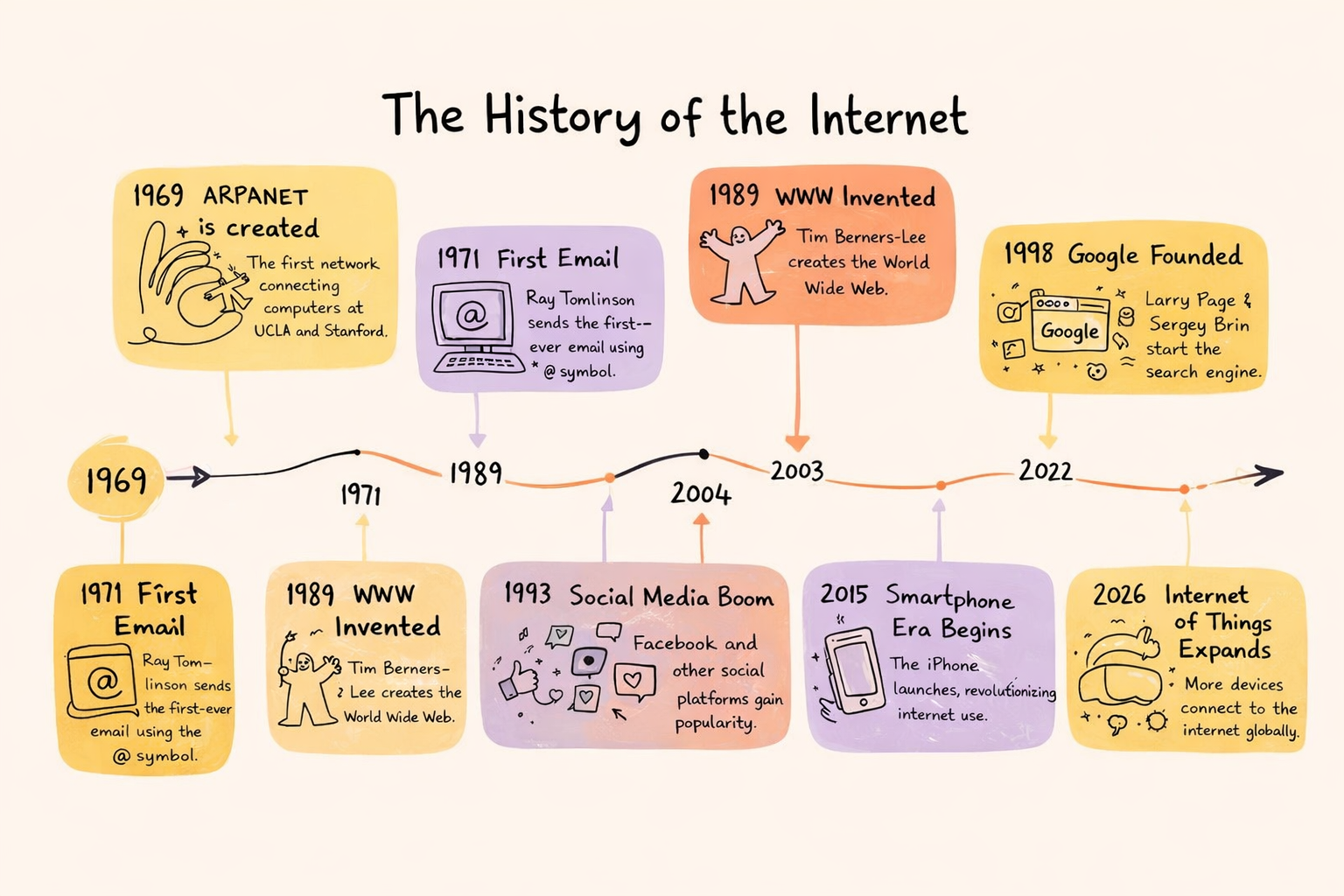
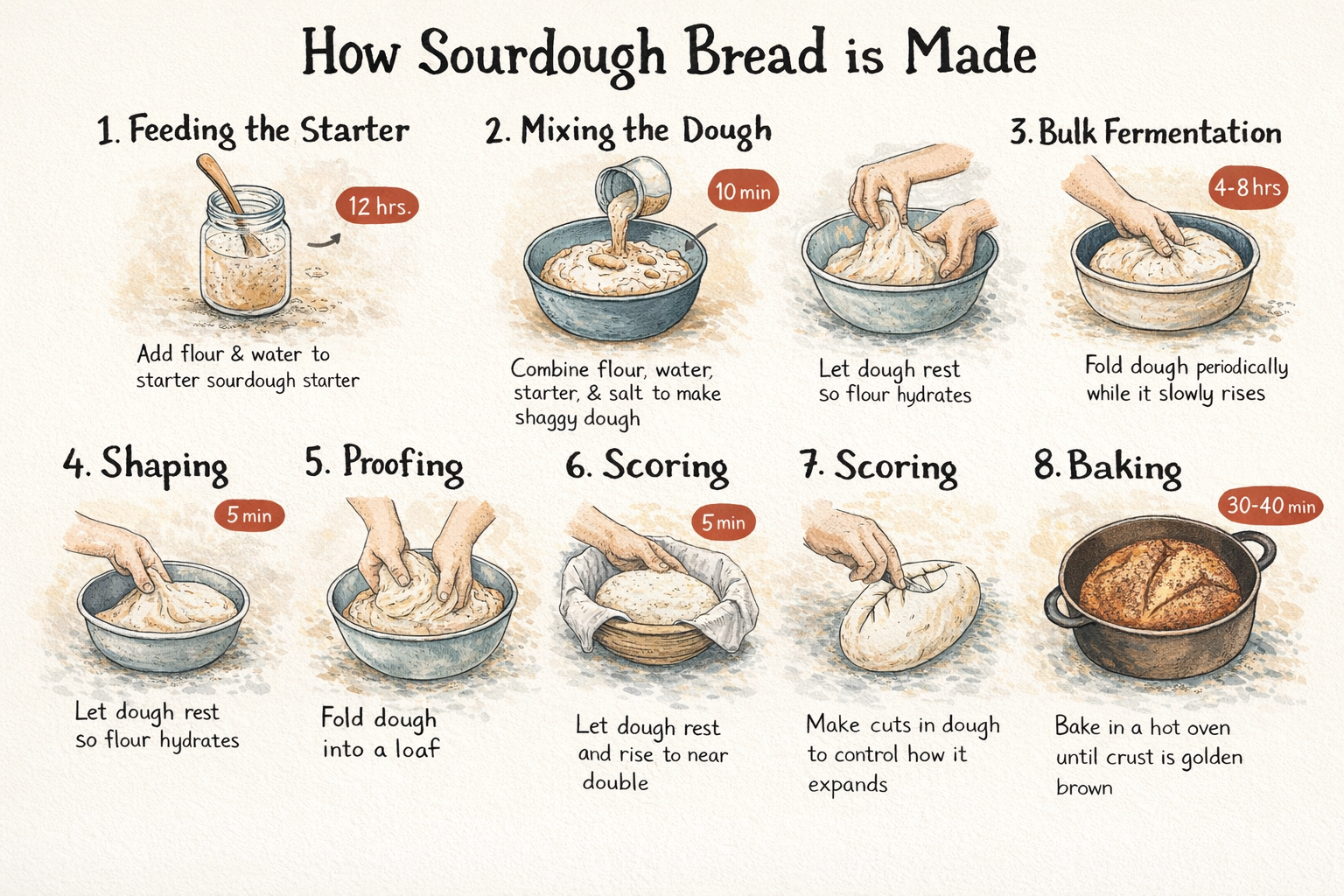
ChatGPT 1.5 is one of the strongest models on Krea for infographic generation. Unlike most models that simply place text onto an image, it reasons about hierarchy, spacing, and visual organization, understanding the relationship between written content and layout at a structural level. Combined with its accurate dense text rendering, it can take a complex multi-section prompt and return something that looks considered rather than approximate.A step-by-step process infographic titled "How Sourdough Bread is Made," showing 8 stages from starter to finished loaf — feeding the starter, mixing the dough, autolyse, bulk fermentation, shaping, proofing, scoring, and baking — each with a small hand-drawn style illustration and a time indicator. Warm cream background, hand-lettered headings, rustic editorial feel.
Complex scenes
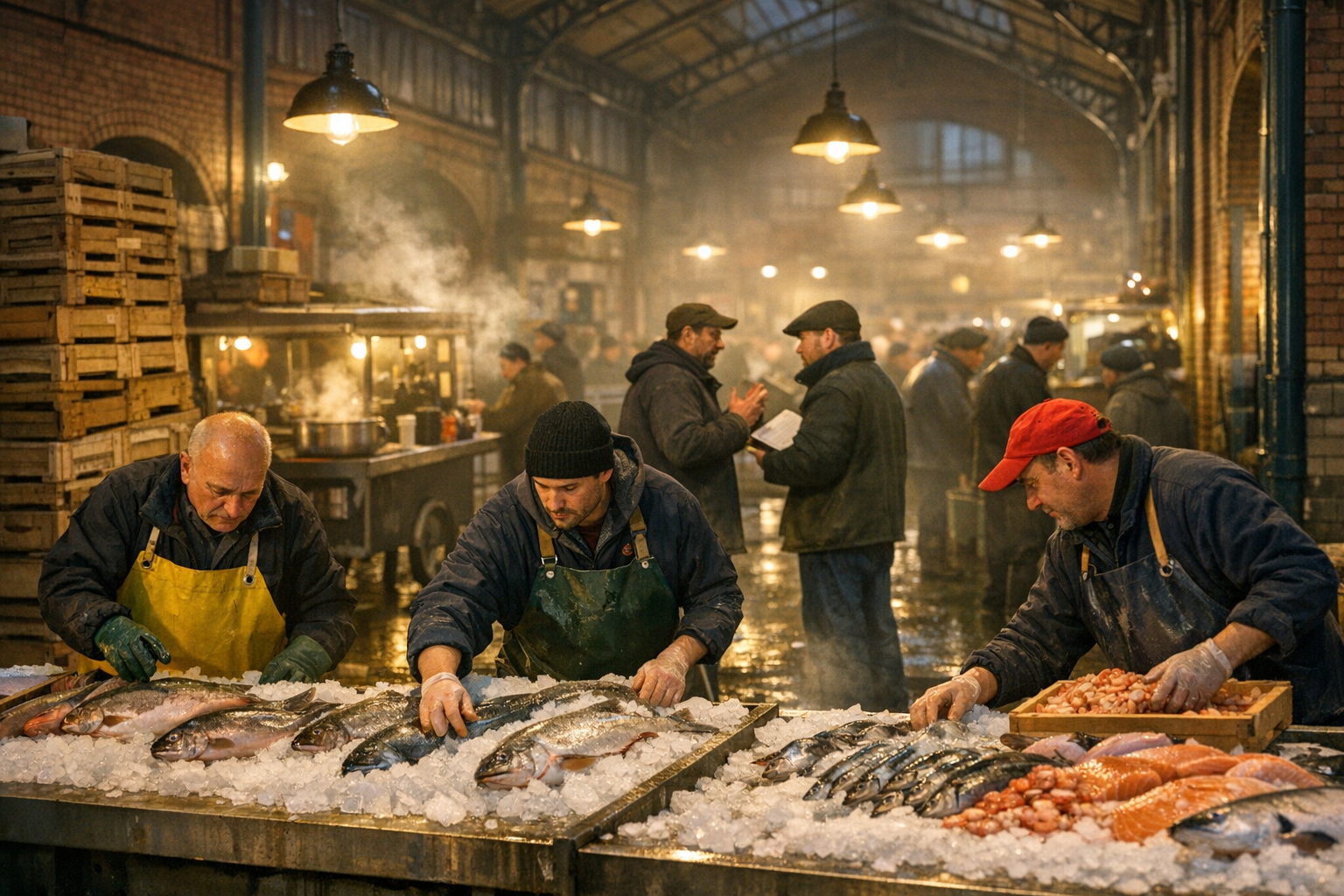
Multi-element compositions with specific spatial relationships, interactions between subjects, and layered environmental detail.A busy Berlin market hall at 5am, three vendors in rubber aprons arranging fresh fish on crushed ice in the foreground, a fourth vendor mid-negotiation with a restaurant buyer in the middle ground, wooden crates stacked to the left, hanging overhead lights casting warm pools of yellow light across wet concrete floors, steam rising from a small food cart in the background selling hot broth to early morning workers, exposed iron roof structure and brick walls characteristic of a 19th century German markthalle visible above, depth of field pulling focus from the foreground vendors to the hazy activity behind, photorealistic, shot on 35mm.
Explicit Edit Instructions
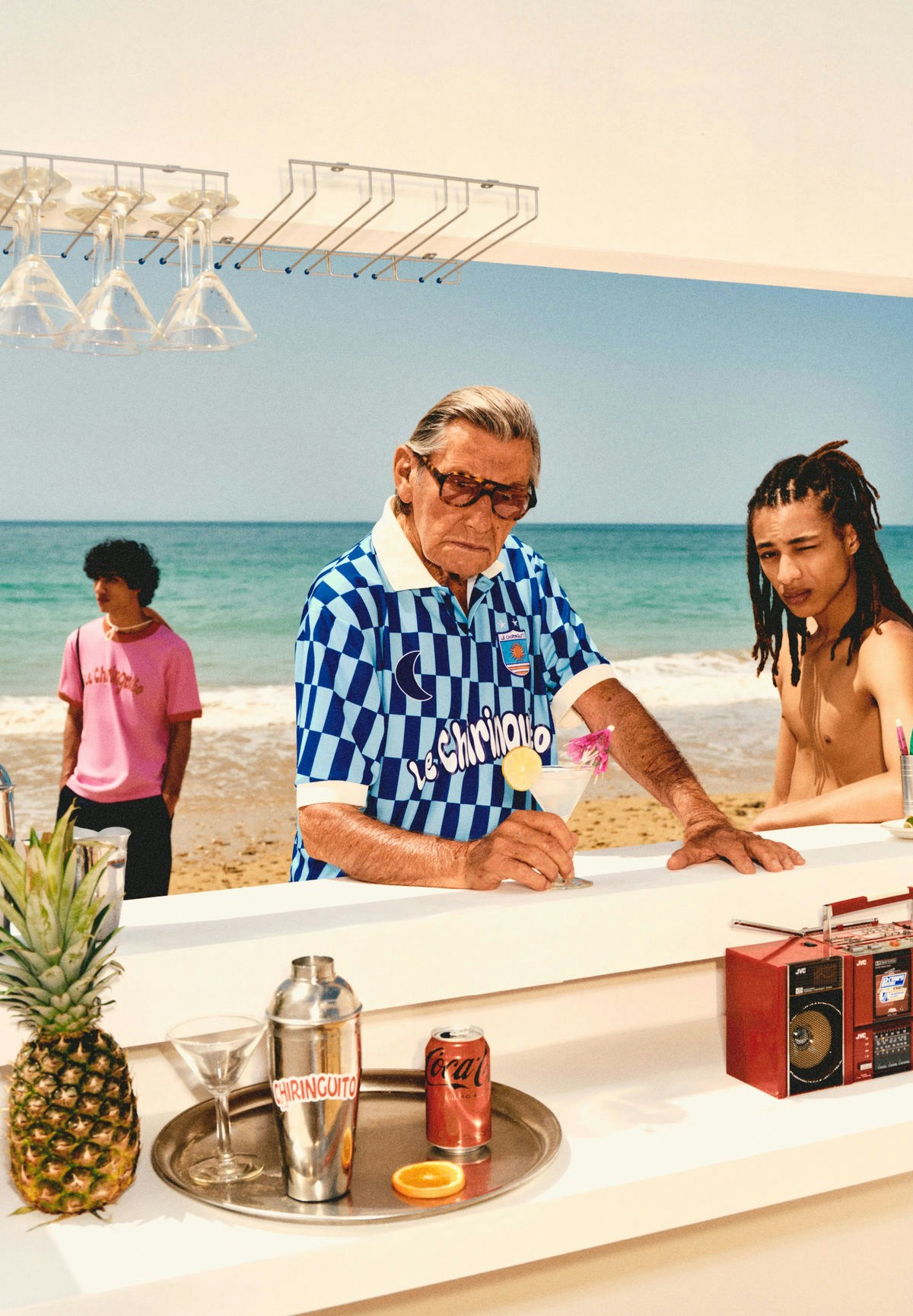
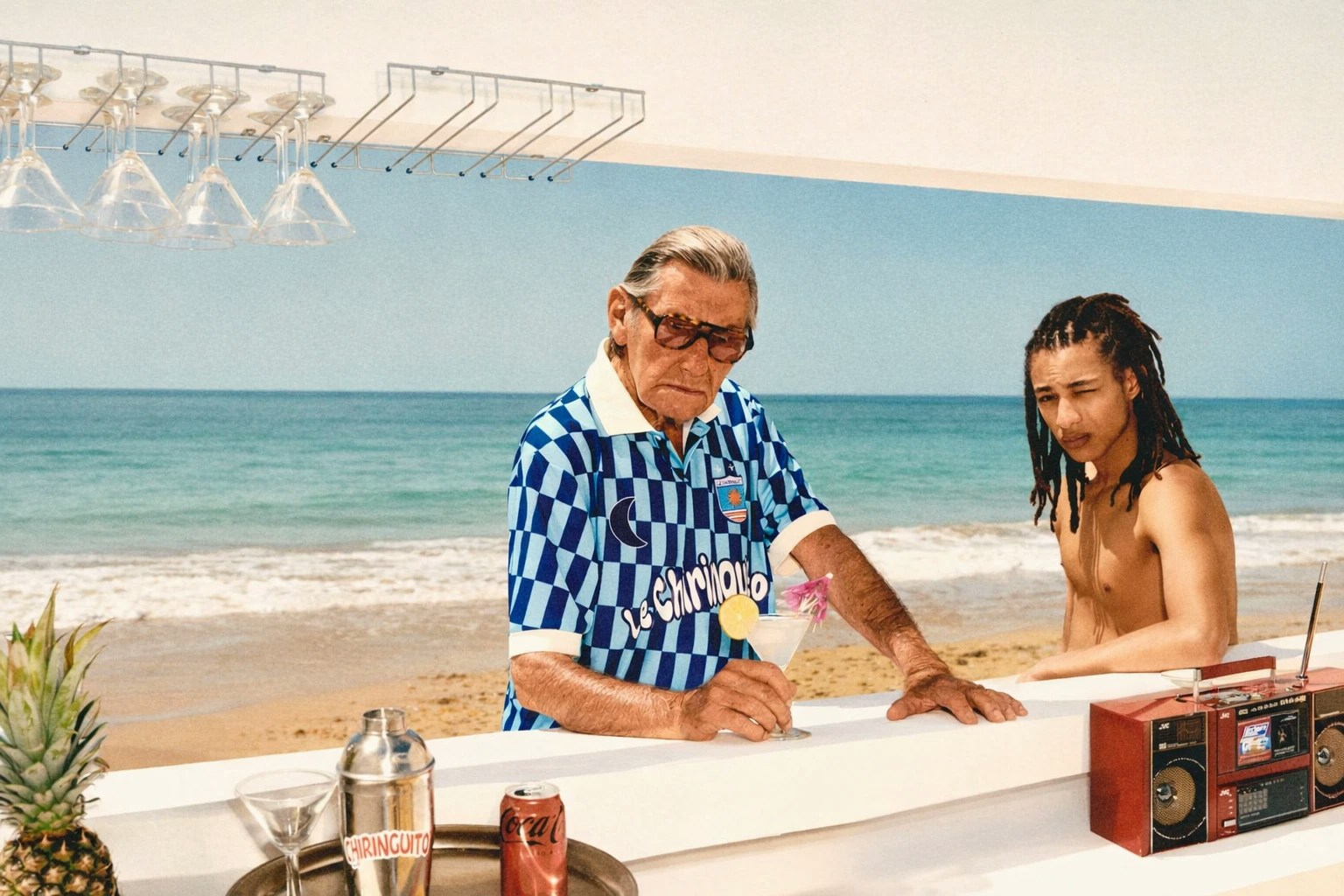
ChatGPT Image 1.5 is significantly better at following direct image edit instructions. You can now treat prompts like precise change requests instead of re-describing the entire image.Edit the uploaded image. Remove the person in the background on the left in the pink shirt. Keep the lighting unchanged. Preserve facial identity and skin texture of the main subjects. Maintain original camera angle and depth of field.