Overview
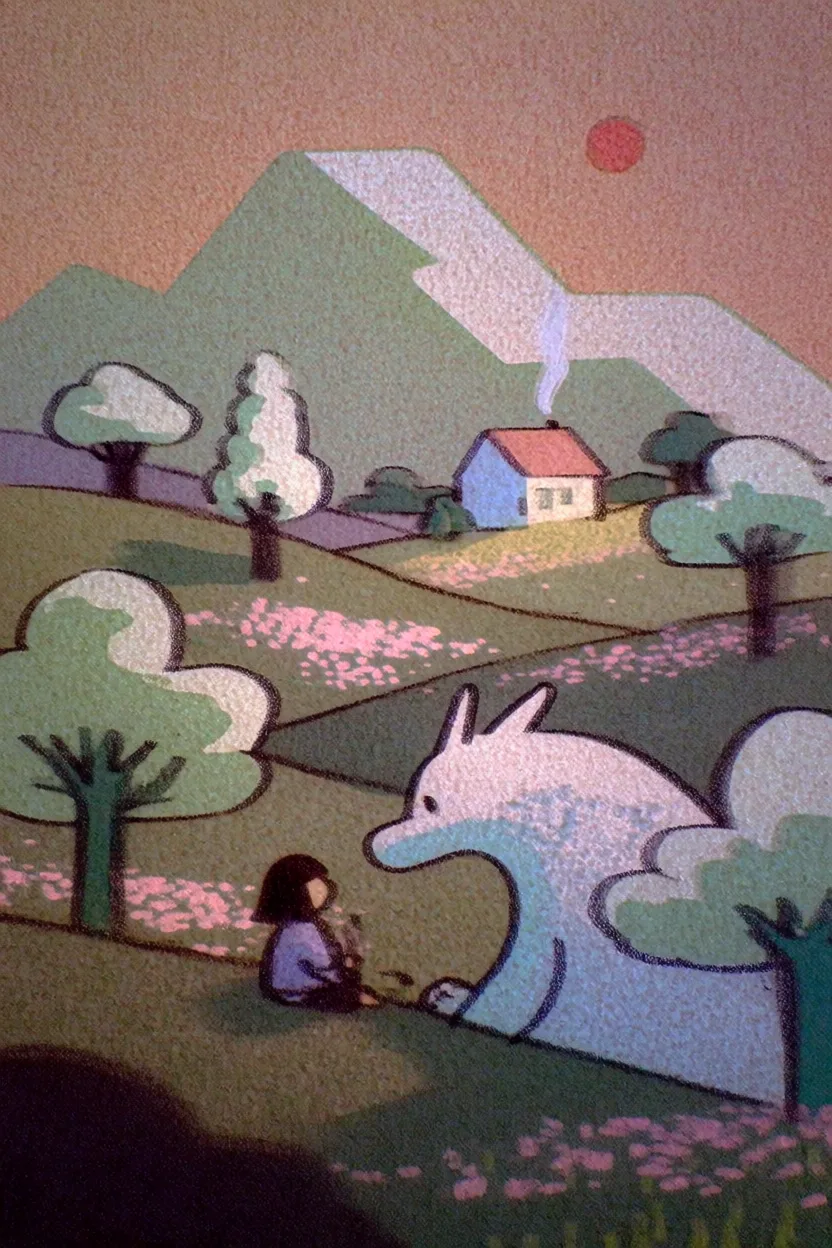
Krea 2 Turbo is the fastest Krea 2 model. It keeps the Krea 2 style system and expressive visual range, but uses a distilled sampling schedule so you can move through ideas much faster and at a lower credit cost.
Use Turbo when you are exploring a visual direction, testing prompts, or building a batch of rough concepts before moving to Krea 2 Medium or Krea 2 Large for a more polished pass. It is especially useful for expressive illustration, graphic styles, typography experiments, and quick campaign or concept directions.
At a Glance
| Feature | Detail |
|---|
| Speed | Fastest Krea 2 model |
| Generation time | ~4 seconds per generation |
| Credits | 2 per generation |
| Batch size | Up to 4 images |
| Resolution | 1K |
| Best at | Fast iteration, expressive illustrations, graphic design exploration |
| Style references | Yes, up to 4 image style references |
| Moodboards | Yes |
| Seed support | Yes |
Getting Started
- Go to Image Generation - Navigate to krea.ai/image.
- Select Krea 2 Turbo - Open the model picker and choose Krea 2 Turbo.
- Write your prompt - Describe the subject and visual direction. Turbo works well with concise prompts, but benefits from clear style, palette, and composition notes.
- Choose an aspect ratio - Select the format that fits your output: square, portrait, landscape, cinematic, or mobile.
- Add style direction - Use style references, Krea styles, or a moodboard when you want the output to follow a specific visual language.
- Generate and compare - Use Turbo to quickly test variations. Move promising directions to Krea 2 Medium or Large when you need more refinement.
When to Use Krea 2 Turbo
| Use When | Avoid When |
|---|
| You need the fastest Krea 2 generations | You need the most detailed or polished Krea 2 output |
| You are testing many prompt directions | You are doing final photorealistic production work |
| You want expressive illustration or graphic design drafts | You need the raw texture and flexibility of Krea 2 Large |
| You are iterating on style references or moodboards | You want maximum consistency across a final campaign set |
| You want low-cost Krea 2 exploration | |
Supported Aspect Ratios
| Category | Aspect Ratio | Output Size |
|---|
| Square | 1:1 | 1024 x 1024 |
| Landscape | 4:3 | 1184 x 896 |
| Landscape | 3:2 | 1248 x 832 |
| Landscape | 16:9 | 1376 x 768 |
| Landscape | 2.35:1 | 1568 x 672 |
| Portrait | 4:5 | 928 x 1152 |
| Portrait | 2:3 | 832 x 1248 |
| Portrait | 9:16 | 768 x 1376 |
Style Controls
Krea 2 Turbo supports the same public Krea 2 style controls:
- Style references - Upload up to 4 images to guide the visual style.
- Moodboards - Use a saved Krea moodboard to steer palette, texture, mood, and composition.
- Krea styles - Apply compatible trained styles from your style library.
- Creativity - Choose how strongly Krea expands on your prompt. Lower values stay more literal; higher values add more visual interpretation.
Use Turbo for prompt and style discovery. Once you find a strong direction, regenerate with Krea 2 Medium for more stability or Krea 2 Large for richer photorealism and texture.
Prompting Tips
| Tip | Example |
|---|
| Keep the subject clear | ”A streetwear poster for a neon running shoe” |
| Add style language early | ”risograph print, limited palette, bold silhouette” |
| Use references for visual identity | Upload a poster, editorial image, or moodboard instead of trying to describe every visual detail |
| Generate in batches | Compare several outputs quickly, then refine the strongest direction |
| Escalate when needed | Move to Krea 2 Medium or Large when the draft needs more polish |
API
Krea 2 Turbo is also available through the Krea API:
curl -X POST https://api.krea.ai/generate/image/krea/krea-2/medium-turbo \
  -H "Authorization: Bearer $KREA_API_TOKEN" \
  -H "Content-Type: application/json" \
  -d '{
    "prompt": "A bold editorial illustration of a city courier at sunrise",
    "aspect_ratio": "4:5",
    "resolution": "1K",
    "creativity": "medium"
  }'